
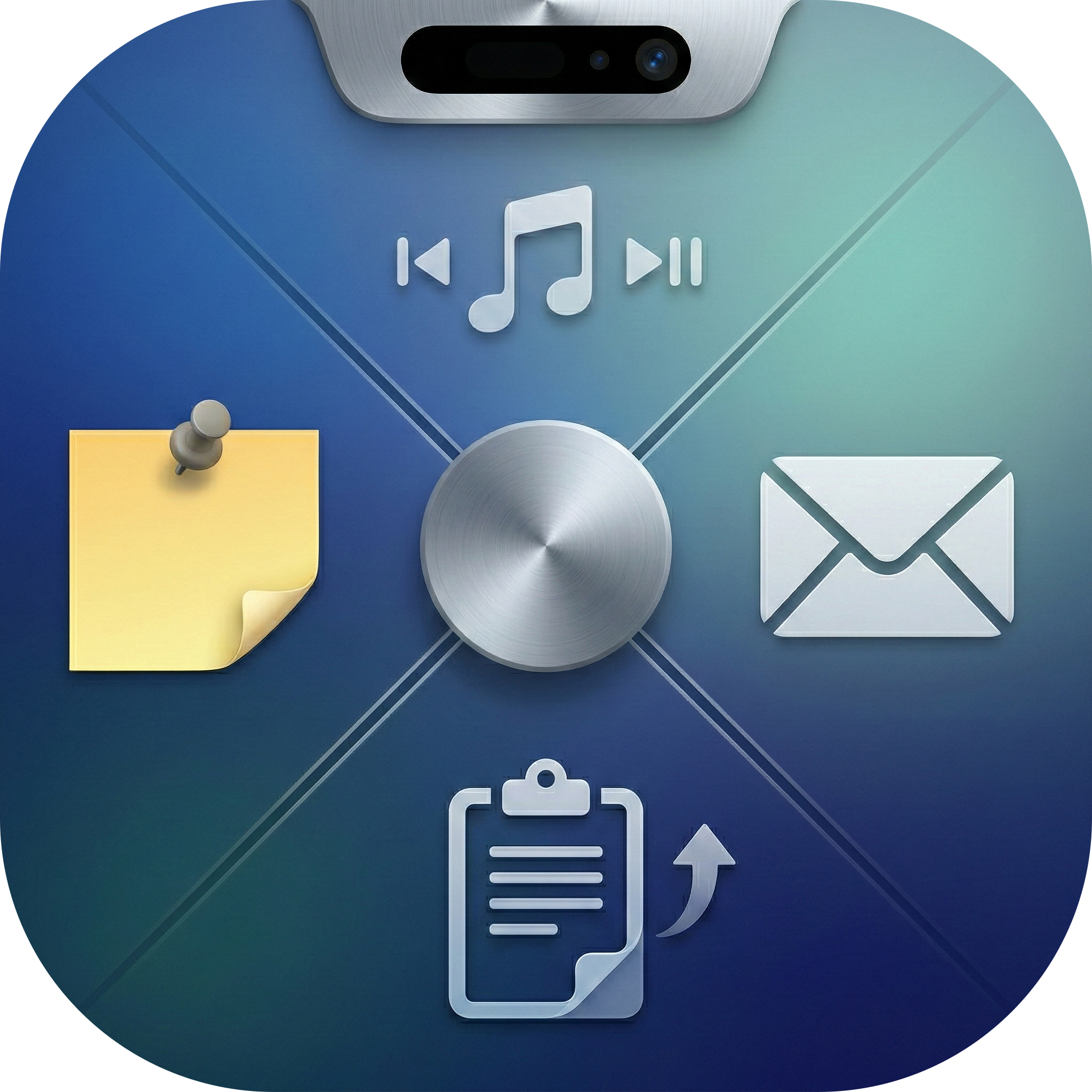
Product Introduction
- Definition: Itchy is a free macOS notch utility that repurposes the MacBook Pro's screen notch into a dynamic productivity hub. Technically, it operates as a menu bar application leveraging Swift/SwiftUI to render interactive "Nook modules" within the notch area.
- Core Value Proposition: Itchy eliminates wasted screen space by transforming the static notch into a customizable productivity dashboard, centralizing essential tools (timers, clipboard, media controls) to reduce context switching and enhance macOS workflow efficiency.
Main Features
- 12 Built-in Nook Modules: Itchy provides pre-built modules accessible via the notch:
- Pomodoro Timer: Tracks focused work sessions.
- Now Playing (Beta): Displays media info/controls (requires Accessibility permissions for Chromium browsers).
- Calendar: Shows upcoming events (requires Calendar Access).
- Mail: Inbox preview (requires Automation permissions).
- Clipboard History: Instant access to copy-paste history.
- Storage: Quick file access/storage within the notch.
- Notes: Sticky notes visible in the menu bar.
- Quick Toggles: Adjust screen brightness, mute, volume, mic.
- Live Activities: Real-time updates for tasks.
- Weather: Current conditions glance.
- Bluetooth Devices: Monitor battery/connection status.
- Prompter: Read scripts during presentations.
How it works: Modules are SwiftUI views managed by Itchy's core app. Users enable/disable and reorder them via Settings.
- Custom Module SDK (ItchySDK): Developers can extend functionality using the ItchySDK (open-source on GitHub). Import
itchy, build Swift/SwiftUI code into a.bundlemacOS plugin, and load it dynamically into Itchy. Supports creating new Nook modules or custom menu tabs. - Presentation/Screen Sharing Mode: Itchy automatically hides during screen sharing (e.g., Zoom, QuickTime) to avoid clutter. Users can manually toggle visibility (
Control+Option+Hfor notes). Ensures a clean shared screen. - Global Keyboard Shortcuts: Configurable system-wide shortcuts (
Control+Option+ [Key]) for rapid actions:- New Note (
N), Toggle Notes Visibility (H), Clipboard Picker (V), Storage Picker (F), Media Controls (P, Left/Right Arrows), Quit (Q).
- New Note (
Problems Solved
- Pain Point: Underutilized screen real estate (MacBook notch) and fragmented workflows from switching between apps/widgets.
- Target Audience:
- Productivity-focused Mac Users: Professionals (developers, writers, designers) needing quick access to timers, notes, clipboard.
- Presenters & Content Creators: Utilize the Prompter module for scripts.
- Mac Power Users: Those seeking deep menu bar customization and automation.
- Swift/SwiftUI Developers: Interested in building/extending macOS utilities via SDK.
- Use Cases:
- Tracking Pomodoro sessions without a separate app window.
- Pasting from clipboard history directly into any app.
- Checking calendar/email during full-screen work without switching spaces.
- Controlling media playback while gaming or presenting.
- Building custom internal tools (e.g., Jira ticket viewer, internal metrics) via SDK.
Unique Advantages
- Differentiation: Unlike traditional menu bar apps (limited to icons/dropdowns) or Dashboard widgets, Itchy uniquely integrates multiple interactive tools directly into the physical notch, creating a persistent, space-efficient hub. Competitors lack notch-specific integration and SDK extensibility.
- Key Innovation: The Nook module architecture and ItchySDK enable limitless customization. Users aren't locked into predefined features; they can build or install plugins using standard Apple development tools (Swift/SwiftUI/Xcode), ensuring privacy (data stays on-device) and workflow specificity.
Frequently Asked Questions (FAQ)
- Is Itchy really free? Does it have hidden costs?
Yes, Itchy is completely free forever (v0.1.9+). Kuulto AI states no planned paywalls for core functionality. Monetization may focus on enterprise support or curated plugin marketplaces later. - What macOS permissions does Itchy require?
Specific modules need permissions: Location (Weather), Automation (Mail), Full Disk Access/Calendar Access (Calendar), Accessibility (Now Playing with Chromium browsers). Itchy requests these only when enabling the relevant module. - Why won't Now Playing work with Chrome/Arc/Edge?
Chromium browsers require enabling "Media Session Service" inSystem Settings > Privacy & Security > Automationafter granting Accessibility access to Itchy. This allows Itchy to detect browser media playback. - How do custom Nook modules work? Are they safe?
Developers use the ItchySDK (Swift) to build.bundleplugins. Users install these manually or via Settings. Safety depends on the plugin source; since bundles run locally, they pose less risk than web apps but should only be installed from trusted developers. - Can I use Itchy on Macs without a notch?
While designed for notched MacBook Pros (2021+), Itchy may function as a standard menu bar app on older Macs, but core notch-integration features will be unavailable. Official support is for notched models.


