
Product Introduction
- Definition: DemoMe is a specialized iOS/macOS/visionOS video processing application (category: Photo & Video) that automates the conversion of screen recordings and screenshots into professional demo videos. It operates entirely on-device using local processing.
- Core Value Proposition: It eliminates manual video editing for product showcases by delivering automated, template-driven demo creation—prioritizing speed, design consistency, and privacy. Primary keywords: on-device demo video creator, automated App Store previews, privacy-focused video editing.
Main Features
- Automatic Frame Composition:
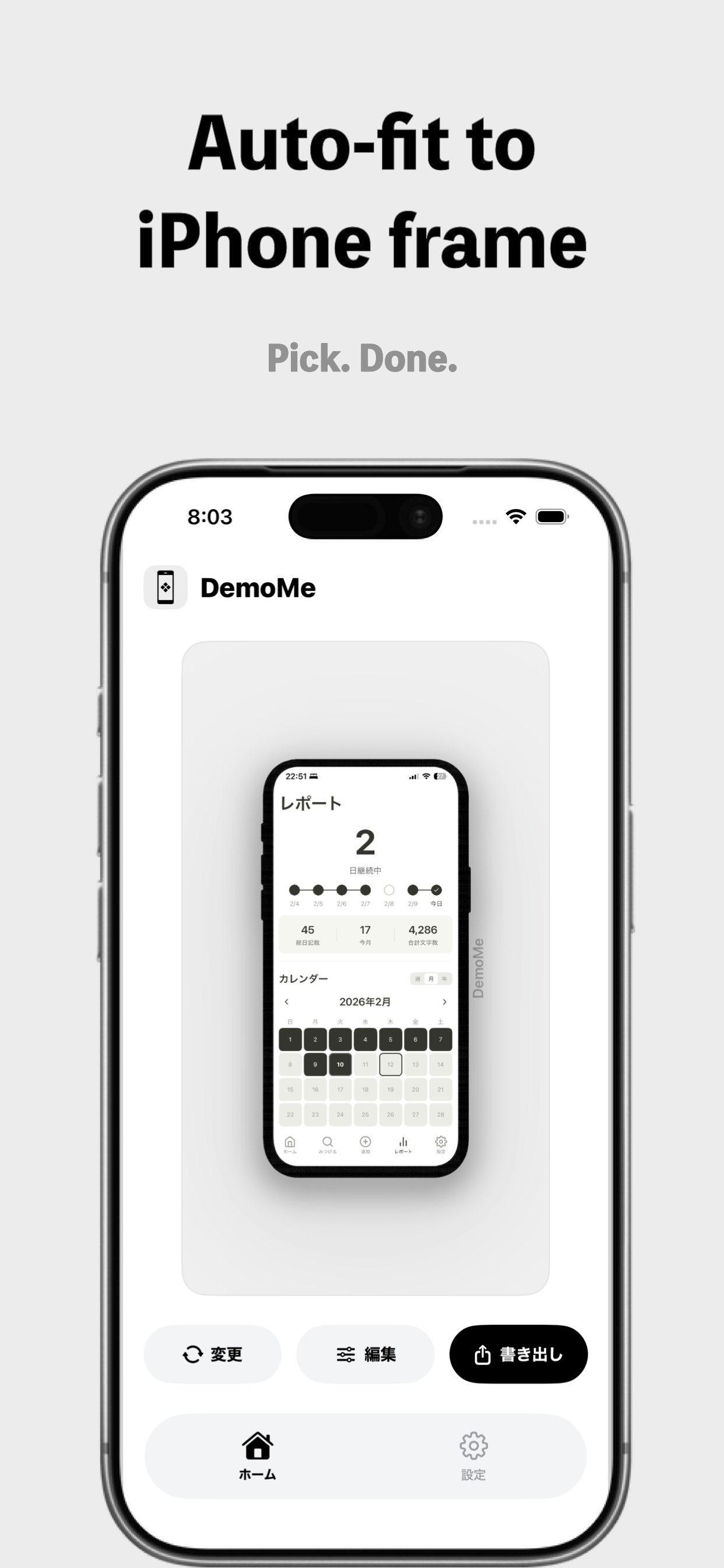
- How it works: Uses AI-driven alignment to center screen recordings/screenshots within an iPhone device frame. No manual positioning needed.
- Technology: Real-time image analysis with dynamic scaling algorithms.
- Smart Background Effects:
- How it works: Expands the original footage, applies Gaussian blur for depth, and supports solid/gradient backgrounds.
- Technology: GPU-accelerated blur processing and color synthesis.
- Subtle Zoom Animation (Ken Burns Effect):
- How it works: Converts static screenshots into motion videos with automated zoom/pan effects.
- Technology: Keyframe-based path generation for smooth transitions.
- Customizable Frame Parameters:
- How it works: Adjust corner radius, border width/color, shadow, and padding via sliders.
- Technology: Vector-based rendering for resolution-independent output.
- Template Saving & Reuse:
- How it works: Save frame designs as reusable presets for one-click consistency across projects.
- Technology: Local JSON-based configuration storage.
- Multi-Format Export:
- How it works: Export MP4 (H.264) videos or PNG images in 9:16, 1:1, 4:5, or 16:9 aspect ratios at 1080p/4K.
- Technology: Hardware-accelerated encoding (HEVC).
Problems Solved
- Pain Point: Time-intensive manual editing in tools like iMovie or Premiere Rush for product demos. DemoMe reduces production from hours to seconds.
- Target Audience:
- Indie app developers creating App Store previews.
- Product marketers designing social media ads (TikTok, Instagram).
- UI/UX designers sharing interactive prototypes.
- SaaS founders preparing Product Hunt launches.
- Use Cases:
- Generating vertical (9:16) demo reels for TikTok in under 60 seconds.
- Converting Xcode simulator recordings into framed App Store previews.
- Animating static UI screenshots for landing page banners.
Unique Advantages
- Differentiation vs. Competitors:
- Unlike CapCut or Lumen5, DemoMe requires zero cloud uploads—all processing is on-device.
- Outperforms generic editors with purpose-built features like auto-framing and demo-specific animations.
- Key Innovation:
- On-device AI processing: Ensures zero data leaks; no server dependencies.
- "Beautiful defaults" philosophy: Pre-optimized templates for technical users needing polish without design skills.
Frequently Asked Questions (FAQ)
- Does DemoMe work offline?
Yes, all video processing occurs locally on your iPhone, iPad, or Mac—no internet required. - Can DemoMe export 4K videos for App Store?
Absolutely. It supports 4K MP4 exports in App Store-optimized ratios (16:9 or 9:16). - Is my data shared with third parties?
No. DemoMe collects zero user data—confirmed in its privacy policy and App Store disclosures. - How to reuse custom frame designs?
Save any configuration as a template; apply it to new projects with one tap. - Does it support Android screen recordings?
Yes, but auto-framing targets iPhone. Android footage requires manual adjustment in the editor.


