
Product Introduction
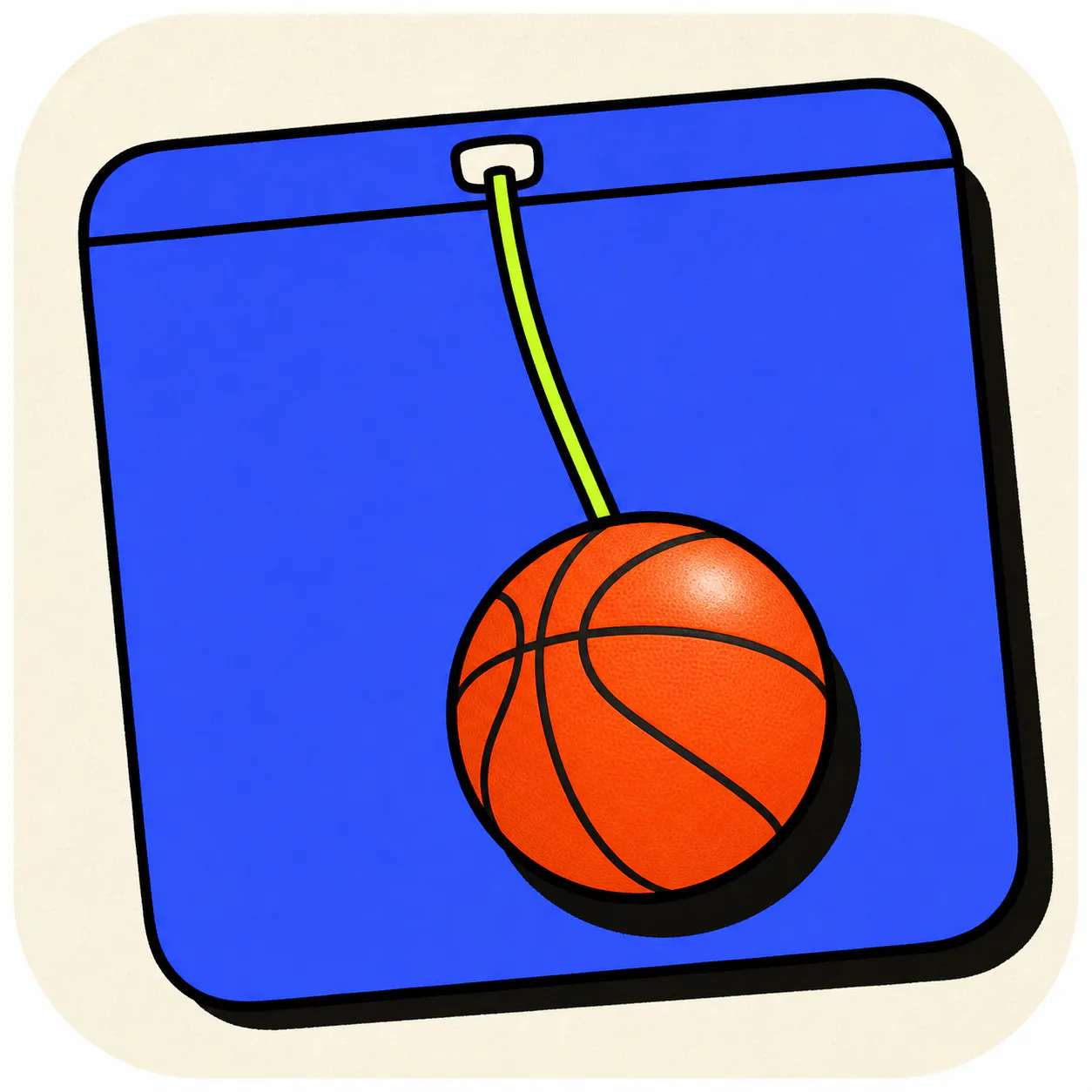
- Definition: Tether is a macOS desktop utility and interactive physics simulation application that places a dynamic, physics-based ball on an elastic tether attached to the user's menu bar. It is a digital fidget toy designed for the macOS desktop environment.
- Core Value Proposition: Tether exists to provide a non-distracting, engaging physical simulation for users during passive screen time—such as video conferences or long meetings—to combat digital distraction and "doomscrolling" on smartphones, thereby helping users maintain peripheral presence and focus.
Main Features
- Real-Time Physics Simulation: The core of Tether is a custom-built, real-time physics engine that calculates ball movement, elasticity, collision, and gravity. It is not a canned animation; every interaction yields a unique, procedurally generated result based on velocity, angle, and force.
- Desktop Environment Integration (Window Collision): The application's physics engine interacts directly with the macOS windowing system. The ball detects and reacts to the edges and surfaces of actual application windows, treating them as physical ledges, walls, and platforms for rolling and bouncing.
- Context-Aware and Unobtrusive Design: Tether is engineered to never steal application focus. Clicks pass through the simulation except on the ball and visible rope. A dedicated keyboard shortcut (⌥F) instantly hides or shows the entire simulation, ensuring immediate discretion.
- Customizable Physics Parameters: Users can fine-tune the simulation's behavior through adjustable sliders for variables including global gravity, object bounce (restitution), ball size, tether elasticity, and magnet strength, allowing for personalized tactile feedback.
- Multiple Object & Interaction Modes: Supports adding multiple balls that collide with each other. Offers distinct interaction modes: standard tethered mode, "cut rope" free-range desktop mode, a "keepie-uppie" paddle mode, and a "magnet mode" where the ball follows the cursor.
Problems Solved
- Pain Point: The "minute 40" problem in long meetings or focused work sessions, where restless hands and mental fatigue lead to reaching for a smartphone, causing significant context switching and loss of attention (often 10+ minutes).
- Target Audience: Remote workers, professionals in frequent video conferences (Zoom, Teams, Google Meet), students in virtual lectures, and any macOS user engaged in passive screen-based activities requiring peripheral engagement.
- Use Cases: Providing a tactile, screen-based fidget activity during audio-only conference calls; offering a mental break tool during deep work sessions without leaving the desktop; serving as a playful demo of real-time physics simulation for developers or designers.
Unique Advantages
- Differentiation: Unlike mobile game apps or browser-based distractions, Tether is a native macOS menu bar app that integrates with the desktop workspace without triggering full context switches. Unlike other desktop toys, its deep integration with window geometry and focus-passing mechanics makes it uniquely suitable for a professional environment.
- Key Innovation: The integration of a sophisticated physics simulation with the live macOS desktop environment (window collision) is its technical cornerstone. The commitment to zero data collection (no accounts, telemetry, or cloud sync) and a one-time purchase model in a subscription-saturated market is a core product philosophy advantage.
Frequently Asked Questions (FAQ)
- Does Tether for Mac collect any user data or require an account? No, Tether has a strict no-data-collection policy. It does not require an account, does not use telemetry, and does not sync any data (like your bounce count) to the cloud. All data remains locally on your Mac.
- How does Tether's window collision physics work? Tether's physics engine reads the positional coordinates of your open application windows in real-time. It treats the edges and surfaces of these windows as physical boundaries within the simulation, allowing the ball to bounce off, roll along, or fall from them dynamically.
- Can Tether get in the way of my work or interrupt my workflow? No, it is designed specifically not to. It never steals focus from your active application, and mouse clicks pass through it unless directly on the ball or rope. The instant-hide shortcut (⌥F) allows for immediate removal from the screen.
- What are the system requirements for the Tether macOS app? Tether requires macOS 14 (Sonoma) or later and is available exclusively as a native download through the Mac App Store. It is optimized for Apple Silicon (M-series) and Intel-based Macs.
- Is Tether a subscription service or a one-time purchase? Tether is a one-time purchase with no subscription. The purchase includes all current features, physics balls, and future updates with no recurring fees.


