
Mac Tools
444 best Mac tools and apps, curated and ranked by community upvotes on ProductCool. Updated daily as new Mac products launch.

PortAura is a native macOS utility that shows which processes are listening on which ports, where they’re exposed, and what has changed since your trusted baseline. It helps you understand local services without digging through Terminal commands. Everything runs locally on your Mac.
DynamicLake - Dynamic Island for Mac · Plugins · Notifications · Drag and drop · Converter · Calls · Airdrop · Timer · and more
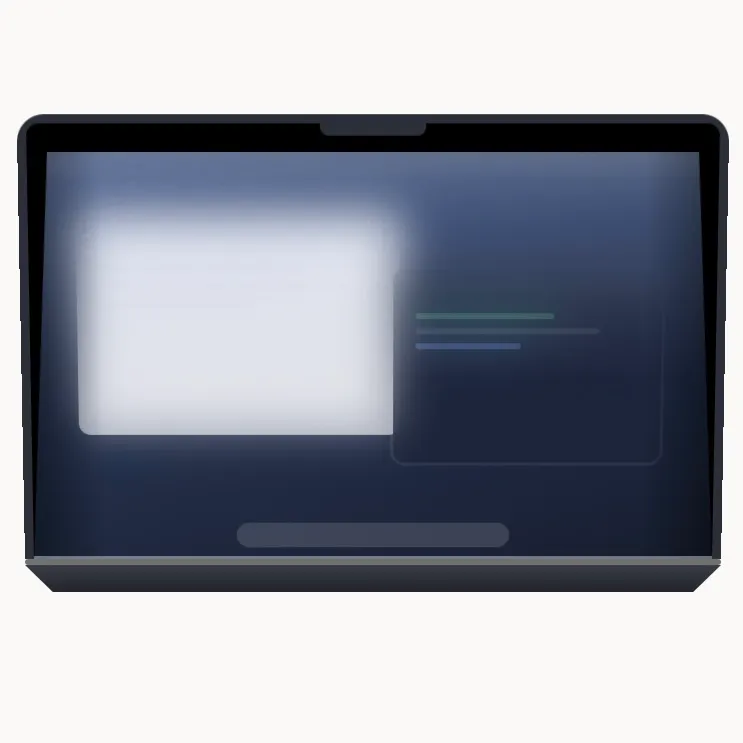
A macOS app that turns your display into frosted glass as you close the lid. Driven by the hinge sensor, so it moves at the speed of your hand.
PeekPaste is a native clipboard manager for Mac that stays out of your way until you need it. Push your pointer against the screen edge and your clipboard slides in. Find text, code, links, images, colors and files, search inside screenshots with on-device OCR, pin and organize clips, or open the full Library when you need more. Everything stays on your Mac - no accounts, analytics, telemetry or cloud clipboard service.
Tangerine is a Mac app for converting files simply with Shift-drag. Hold Option for advanced tools. Convert and compress images, videos, audio, PDFs, and archives, remove metadata, redact documents, and annotate photos. All locally, without uploading your files.
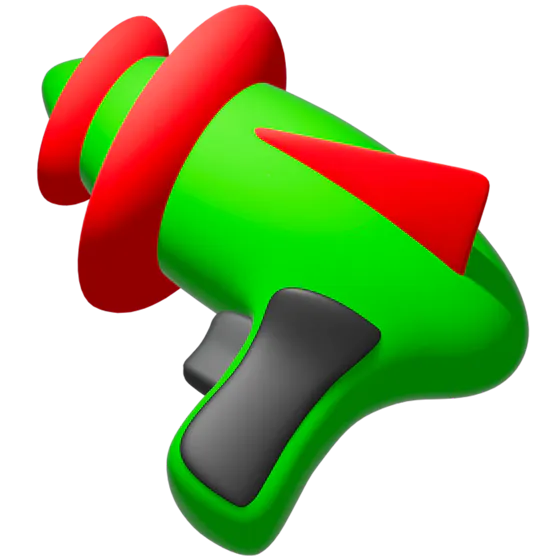
The most fun uninstaller for macOS has been rebuilt for the 31st century. Introducing AppZapper 3000. Drag in any app and instantly find all of its extra files. Then delete them with a real 3D zapper.

Afterglow runs classic After Dark screen saver modules — Flying Toasters, Fish!, Starry Skyline, and more — natively on macOS, with no ROMs required.

Hybrid Compute is now live on Perplexity Computer, their Mac app. It splits a task between the cloud and your own Mac: research and reasoning happen in the cloud with their strongest AI, while anything touching your private files stays on your Mac with a local AI, so it never gets uploaded. Works on Apple silicon, 24GB RAM minimum, live now for Pro/Max/Enterprise.
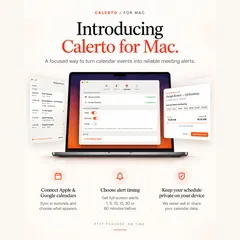
Calerto turns your calendar into alarms you can't sleep through. Full-screen meeting alerts — not another notification you'll swipe away — with custom prep time per meeting, Apple + Google Calendar sync, a menu bar countdown to what's next, and automatic launch at login (toggle it off anytime). Pause alarms without losing them. Pro auto-alarms your whole week. Your calendar data never leaves your device. Never be late again.
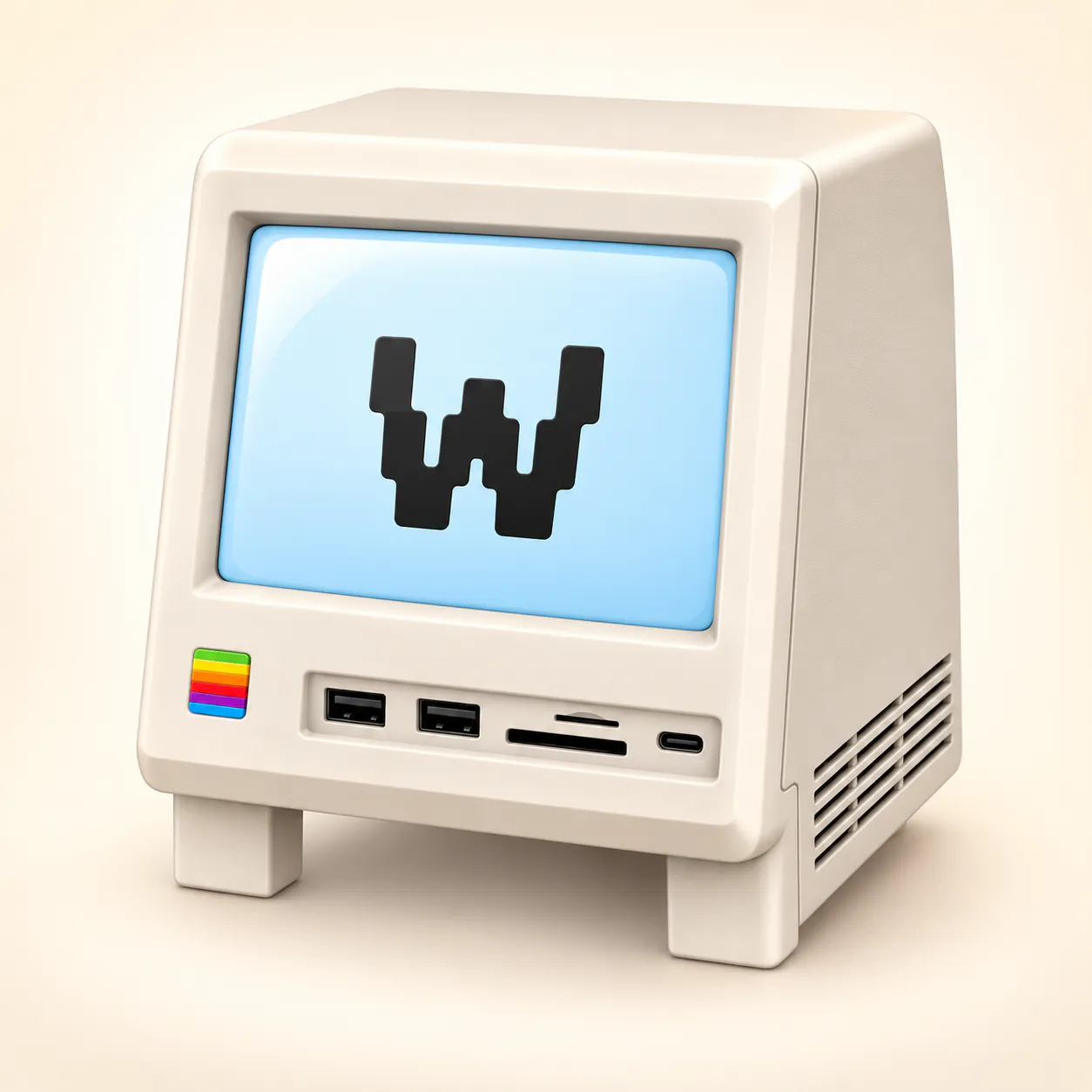
Wokyintosh is a free, open-source macOS dashboard inspired by the classic Macintosh. It combines a large clock and date, local weather, Apple Music and Spotify Now Playing with artwork, plus live CPU, RAM, SSD and network stats. I built it for my Wokyis M5 Retro Dock Station after months of not finding the dashboard I wanted — even among paid apps.

I built this because I got sick of re-pairing my Magic Keyboard and Mouse every time I moved between my MacBook and my work MacBook — different Apple IDs, so Universal Control was never going to work for me. LinkFlick just flicks them over Bluetooth instead. Hotkey, or tell Siri "flick devices," done. Menu bar app, customizable hotkey, and it nags you before your Magic Mouse battery dies. Still rough around the edges in places, but it works, and it's mine.

VoxelWall is a native macOS live wallpaper engine with 37 original scenes that react in real time to whatever your Mac is playing. It analyzes system audio locally and renders each scene live with Metal — not as a repeating video. It works with Spotify, Apple Music, YouTube, browsers and local audio, with Desktop, Lock Screen and Energy Saver modes.

Raycast 2.0 is built on a new foundation, redesigned from the inside out. Your shortcut to everything now brings AI that can take action across your apps, Automations for recurring tasks, and Projects to keep ongoing work together. Connect your own ChatGPT or Claude account and put AI to work alongside the commands and extensions you use every day. The best Launcher got even better.
I miss my dog when I am at my desk all day. So now he lives in my menu bar. Drop in a photo and Vibe Eyes turns your own pet into a tiny animated avatar up there. It follows your cursor, blinks at you, winks when you click and looks up when you have been away. Small stuff, but you catch yourself glancing up and smiling. Eleven pets built in, free. Making your own is a $14.99 one-time unlock plus your own AI key. No subscription, no backend, your photo never touches my server.

Gojo puts local dictation, clipboard history, window controls, a file shelf, and media controls in your MacBook notch. Download a speech model, then dictate into the field you're using. Recognition runs on your Mac in local mode. Includes calendar, battery, camera, and display controls. macOS 14+. Three-day trial; monthly and one-time licenses.

Speechmark is a private macOS meeting-notes app. It records, transcribes, and summarizes meetings entirely on your Mac — decisions, action items, speaker-attributed transcripts. No bot joins the call, no account, one-time price. Integrates well with Claude Code using MCP server.
Pastea is a clipboard history manager for macOS. It saves every link, snippet and screenshot you copy, so you can search, pin and paste it back in seconds.
Coherence X6 turns websites into isolated, customizable Mac apps powered by Chrome and other Chromium browsers. Bring your profiles, logins, bookmarks, and extensions, then control how each app looks, opens, and routes links.

Remind puts your next meeting on every screen, with an AI briefing on who you are meeting and a one-click join button. Stay focused until it is time to join. Connect Google or Microsoft calendars and bring relevant email, Slack, and Notion context into your meeting prep. For macOS 14+. $19.99/year with a 7-day free trial.
Annotate your Mac screen with voice, capture full-screen screenshots, and keep copied text ready to reuse from the notch.
Bloop turns system audio or mic input into eight real-time shader skins - every frame reacts to what's actually playing. Keep it beside your work in the resizable Mini Player or send it to the menu bar. Drop in an MP3 playlist and export the whole thing as a finished video. Apple Silicon, notarized, no subscription. Two skins are free forever, and they're the full app, not a trial.