
Product Introduction
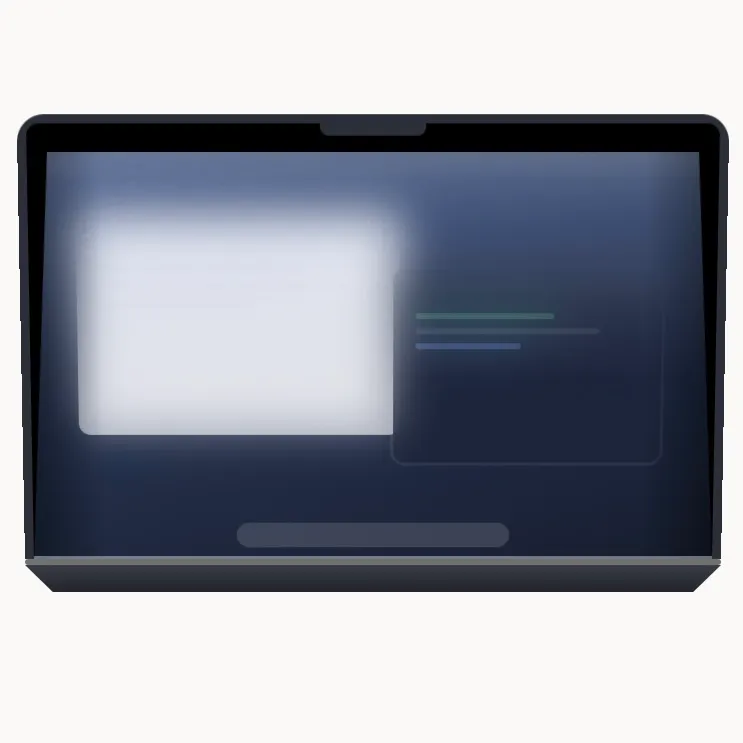
- Definition: Mac Duo is a macOS utility application that transforms the built-in display of a MacBook into a dynamic, real-time pane of frosted glass when the laptop lid is closed. It is a system-level visual enhancement tool driven by hardware sensor data.
- Core Value Proposition: It exists to create a unique, aesthetically pleasing, and responsive visual experience that bridges the physical action of closing a MacBook lid with a software animation. Its core value is delivering a seamless, material-driven animation that tracks the user's hand movement in real-time, turning a mundane action into a small, delightful event.
Main Features
- Hinge-Angle Driven Animation: The core functionality reads the MacBook's built-in lid-angle sensor directly. The frosted glass pane animation engages at a 95-degree lid angle and completes at 12 degrees, moving precisely in sync with the user's hand speed. This allows for pausing, reversing, and exact positional retracing of the animation, unlike pre-timed effects.
- Live Metal-Based Rendering: The effect is not a simple screen blur or overlay. It uses Apple's Metal framework to capture the live display and render a 3D-modelled pane of frosted glass over it in real-time. This ensures windows and the desktop wallpaper move as a unified surface, with accurate perspective, lighting (or lack thereof, for etched glass), and a variable frost intensity that correlates with the simulated gap between the glass and screen.
- Granular Visual & Haptic Control: The app provides a detailed settings panel with live previews. Users can adjust the Frost intensity, Perspective, and Edge softness of the glass material. Responsiveness controls the animation's tracking tightness, and Hinge sensitivity adjusts the degree of travel per sensor degree. It also offers preset intensity levels (Low, Medium, High).
Problems Solved
- Pain Point: The mundane, non-visual experience of closing a MacBook lid. It addresses the desire for more polished, interactive, and visually rewarding micro-interactions with hardware.
- Target Audience: Apple enthusiasts and macOS power users who appreciate refined UI/UX details, designers and developers interested in real-time graphics (Metal), and users seeking to personalize their Mac experience with unique, functional aesthetics.
- Use Cases: Essential for users who want to add a signature, visually sophisticated behavior to their MacBook's closing mechanism. It serves as a demonstration of real-time sensor integration and graphics rendering, and provides a customizable ambient visual effect that responds to physical interaction.
Unique Advantages
- Differentiation: Unlike static screen dimmers or simple blur effects, Mac Duo is dynamic and hardware-integrated. It does not rely on timers or guesses but uses the precise lid-angle sensor for a one-to-one physical interaction. It also avoids subscription models and complex licensing.
- Key Innovation: The proprietary integration of the MacBook's lid-angle sensor with a real-time Metal rendering pipeline to create a physics-based "material" (frosted glass) that visually decouples from the screen with realistic perspective and variable frost. Its "privacy by design" approach—capturing the screen only while the lid is moving, with no data persistence or transmission—is also a key technical and ethical differentiator.
Frequently Asked Questions (FAQ)
- Is Mac Duo safe for my Mac and privacy? Yes. It requires the Screen Recording permission solely to capture the live display for the real-time Metal rendering effect. No content is ever saved to disk, recorded, or transmitted. The app has no analytics, tracking, or accounts, and only connects to its website for optional update checks.
- Why does macOS say it can't be verified on first launch? Because the current build is not notarized by Apple. This is a known step for the initial release. To open it, go to System Settings > Privacy & Security, scroll down, and click "Open Anyway." This is a one-time requirement and does not indicate malware.
- Does Mac Duo work on Intel Macs or desktop Macs? It works on Intel MacBooks but with a limitation: they fall back to a timed animation on lid open/close instead of continuous hinge tracking, as they lack the necessary sensor. It does not work on desktop Macs (iMac, Mac Studio, Mac mini) as they have no lid to drive the effect.
- Will Mac Duo drain my MacBook's battery? No. The app is completely idle when the lid is stationary—no background processes or polling. During animation, it is highly optimized, using approximately 1.5 ms per frame on an Apple M3 chip, resulting in negligible battery impact.
- What is the licensing model for Mac Duo? It is a one-time purchase (£2.99) with no subscription. The license allows installation on up to 5 of your personal Macs. There is no account system or license key; access is managed via your purchase email.


