
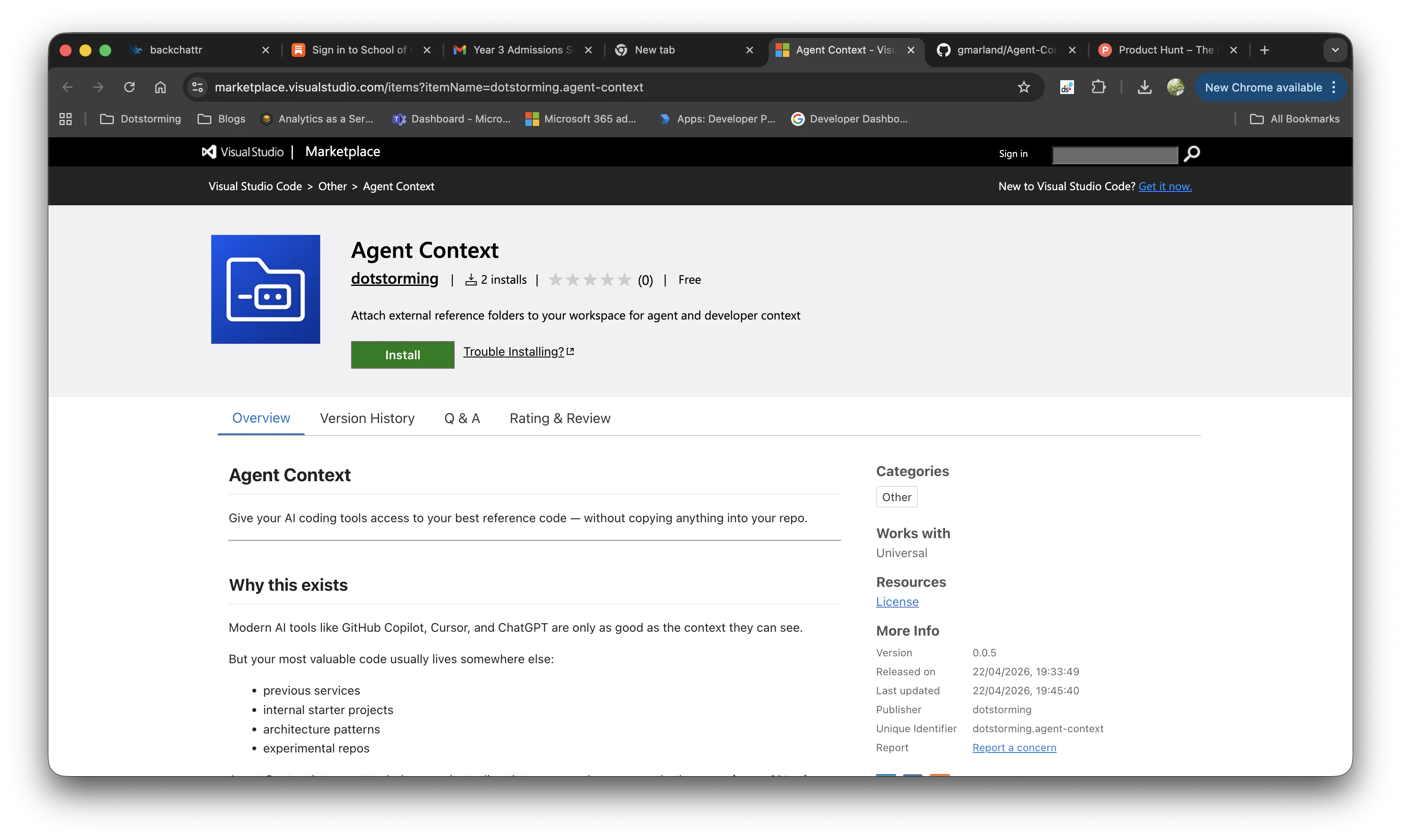
Product Introduction
Definition: Agent Context is a specialized Visual Studio Code (VS Code) extension categorized under developer productivity and AI-assisted development tools. It functions as a workspace management layer that allows developers to link external directories to their current project via OS-level symlinks, specifically optimized for Large Language Model (LLM) discovery.
Core Value Proposition: Agent Context exists to solve the "context gap" in AI-driven software engineering. By enabling zero-copy, external reference integration, it allows tools like GitHub Copilot, Cursor, and ChatGPT to "see" and leverage proven code patterns, internal libraries, and architectural standards without the developer having to manually copy-paste files or bloat their primary repository with redundant code. It provides a structured bridge between disparate codebases for improved RAG (Retrieval-Augmented Generation) performance within the IDE.
Main Features
External Reference Symlinking and Workspace Mapping: The core engine of Agent Context utilizes symlinks to map any directory on the user’s local disk into a designated sub-folder within the active workspace (defaulting to .examples/). This technical implementation ensures that the reference code is accessible to the IDE’s file system and indexing service as if it were local, while remaining physically stored in its original location. This avoids "vendoring" issues and keeps the primary repository clean.
AI-Optimized Instruction Manifests: The extension automatically generates and manages an instruction file (typically AgentContext.AGENTS.md). This file serves as a technical bridge for AI coding agents, containing metadata, descriptions, and paths for all attached context folders. By providing this structured manifest, the extension ensures that AI tools can accurately identify which reference folders to consult for specific tasks, such as implementing authentication patterns or UI components.
Automated Git Integrity and Workspace Safety: To maintain repository hygiene, Agent Context features an auto-managed .gitignore block functionality. When a new reference folder is attached, the extension automatically updates the project's .gitignore file to exclude the symlinked directory. This prevents accidental commits of external code into the version control system. Additionally, the extension provides a dedicated Sidebar view in the Activity Bar for visual management, allowing users to safely add, remove, or refresh context folders without impacting the original source files.
Problems Solved
Pain Point: Fragmented Developer Context and "Copy-Paste Technical Debt." Developers often need to refer to "golden path" implementations or legacy services while working on new features. Traditionally, this required switching windows or copying files—a process that is error-prone and creates redundant code. Agent Context eliminates this friction by making external code natively browsable within the current context.
Target Audience: The primary users are AI-Assisted Software Engineers using tools like Cursor, GitHub Copilot, or Supermaven; Technical Architects responsible for maintaining consistent coding standards across multiple repositories; and Full-Stack Developers working within microservice architectures who need frequent access to sibling service logic.
Use Cases:
- Pattern Consistency: Attaching a "Starter Kit" or "Reference Architecture" repo to ensure a new project follows established organizational patterns.
- AI Guidance: Prompting an AI tool to "Implement this feature using the logic found in the attached .examples/legacy-auth-service" to ensure 1:1 parity with existing systems.
- Documentation Injection: Attaching a folder containing proprietary documentation or internal API specs that are not part of the public web, making them visible to local AI agents.
Unique Advantages
Differentiation: Unlike Git Submodules, which are heavy and intended for dependency management, Agent Context is a lightweight developer-experience (DX) tool designed for temporary or permanent reference. It does not alter the project’s dependency graph or build pipeline. Unlike "Add Folder to Workspace" (a native VS Code feature), Agent Context specifically targets AI agent awareness through its generated instruction files and isolated .examples/ structure.
Key Innovation: The specific innovation lies in the automated synthesis of human-readable and AI-parseable metadata. By combining symlink automation with a dedicated MD-based instruction layer, it creates a "Context Map" that optimizes the prompt engineering process, making the AI significantly more "aware" of the developer's broader ecosystem of work.
Frequently Asked Questions (FAQ)
How does Agent Context improve GitHub Copilot and Cursor performance? Agent Context makes external code visible to the IDE's internal indexer. Since Copilot and Cursor index the current workspace to provide context for their suggestions, the symlinked folders created by Agent Context are treated as local files. This allows the AI to provide more accurate code completions and answers based on your private, external reference projects.
Does using Agent Context increase my repository size or affect Git history? No. Agent Context uses symbolic links (symlinks), which are essentially pointers to the original data on your disk. Furthermore, the extension automatically updates your .gitignore file to ensure these pointers and the referenced code are never committed to your Git repository, keeping your codebase lightweight and focused only on its own source code.
Can I use Agent Context for team-wide coding standards? Yes. By configuring the agentContext.instructionsFile, you can create a shared reference manifest. When team members use the same extension, they can attach the same standardized "Reference Repos" on their local machines, and the AI agents for every team member will follow the same architectural guidelines defined in the instruction file, ensuring consistency across the organization.


