Product Introduction
Definition: Tell is a native macOS system monitoring application and interactive widget suite that utilizes real-time telemetry to animate 3D objects. Categorized as a desktop utility and system performance visualizer, it moves beyond traditional flat UI elements (like those found in Menu Bar items or Activity Monitor) to provide high-fidelity, interactive 3D models that represent live system data.
Core Value Proposition: Tell exists to bridge the gap between aesthetic desktop customization and functional system oversight. By transforming "boring" system statistics into "alive" interactive objects, it provides a high-performance, low-latency alternative to standard macOS widgets. It targets users seeking an immersive desktop experience where hardware performance metrics—such as CPU load, network throughput, and battery health—are integrated into a cohesive, gamified visual environment.
Main Features
Network Speed & Connectivity Module: This module provides a real-time visualization of network telemetry, including upload speeds, download speeds, and ping latency. Unlike static graphs, it features a 3D interface that reflects connection quality through movement and visual cues. Technically, it integrates directly with macOS network frameworks to allow users to toggle WiFi status and monitor data packets without opening System Settings.
Real-time CPU Load Visualization (The Bubbling Flask): Leveraging the "Lab Collection" aesthetic, this module visualizes processor activity through a 3D flask containing reactive liquid. As the CPU percentage increases, the liquid rises and changes color, providing an immediate haptic-style visual feedback loop for system stress. This allows power users and developers to monitor background process impact through peripheral vision rather than active reading.
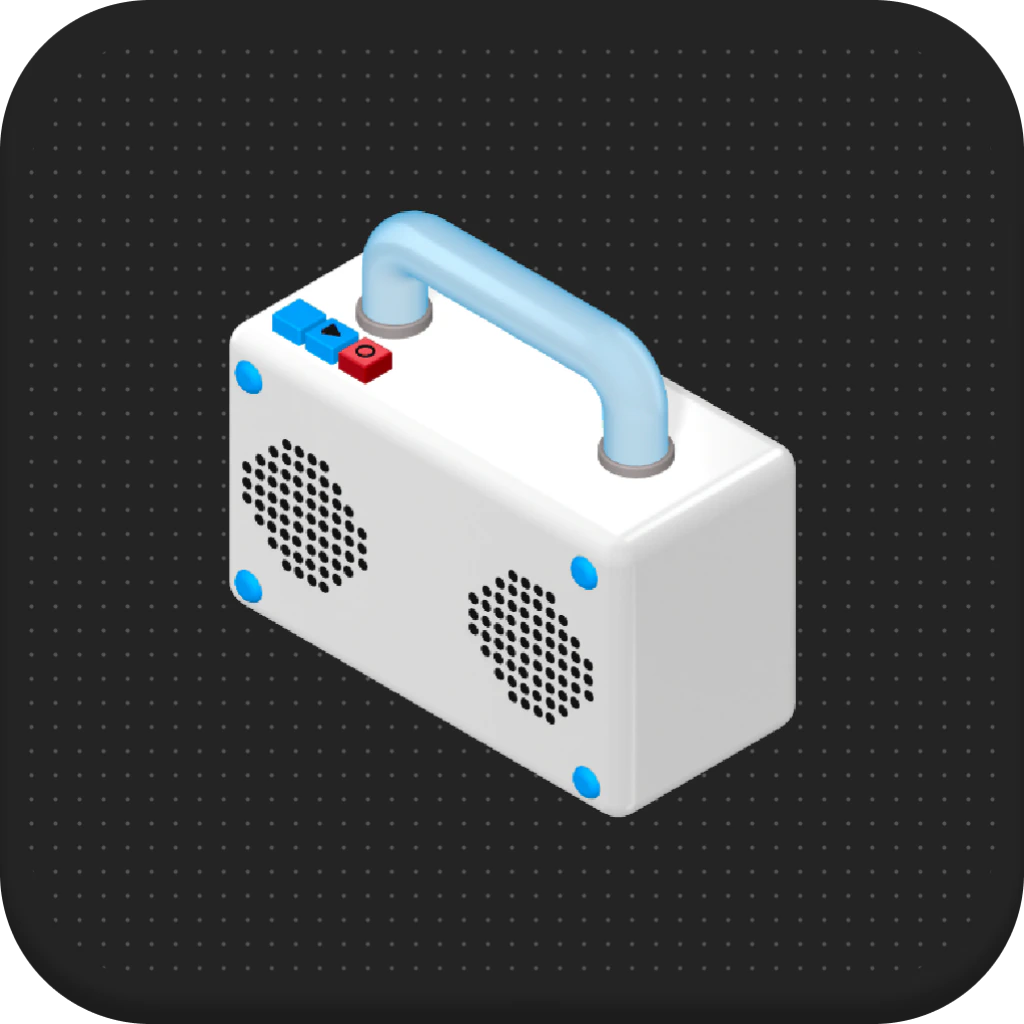
Universal "Now Playing" Controller: This feature acts as a global media controller for macOS, supporting native applications like Apple Music and Spotify, as well as web-based audio from browsers like Chrome or Safari. The interactive 3D radio model allows for physical-style interaction (tapping to play/pause) through the app's interactive layer, centralizing audio management across diverse software sources.
Reactive Battery Status Monitor: This module tracks the charge cycles and current capacity of the MacBook battery. The 3D object dynamically alters its state and color based on the percentage of charge remaining and the power source (AC vs. battery). This provides a more intuitive indicator of power levels than the standard system percentage icon.
Programmable 3D Keyboard Shortcuts: This is a physical-to-digital bridge featuring a 3D keyboard with four programmable keys. Users can assign specific application paths to these keys, enabling instant app launching. This bypasses the need for the macOS Dock, Spotlight, or context switching, streamlining the user’s workflow through a tactile-style digital interface.
Problems Solved
Information Fatigue and Cognitive Load: Traditional system monitors rely on complex graphs, small text, and cluttered menu bars. Tell solves this by using "preattentive attributes" (color and motion) to convey system health, allowing users to understand their Mac's performance at a glance without breaking focus from their primary tasks.
Target Audience:
- Power Users and Tech Enthusiasts: Individuals who enjoy deep desktop customization and want a unique way to monitor hardware health.
- Creative Professionals: Designers and editors who require an aesthetic workspace that doesn't sacrifice the utility of monitoring system resources during rendering or exporting.
- Minimalists: Users who prefer to keep their Menu Bar clean and use "Floating Mode" to place necessary stats directly into their desktop environment.
- Remote Workers: Users who need quick access to network quality indicators and app shortcuts to maintain productivity across various communication platforms.
- Use Cases:
- Resource Monitoring during Heavy Tasks: A video editor can watch the CPU flask to see when a background render is peaking.
- Network Troubleshooting: A gamer or developer can keep the network module visible to spot latency spikes or dropouts in real-time.
- Minimalist Workspace Setup: Using the floating 3D objects to replace the Dock and Menu Bar icons for a cleaner, more focused macOS desktop.
Unique Advantages
Differentiation: Unlike standard Electron-based widgets that consume high memory and CPU, Tell is a native macOS application optimized for Apple Silicon (M1/M2/M3) and Intel architectures. While traditional widgets are often hidden in the macOS Notification Center, Tell’s "Floating Mode" allows 3D objects to live anywhere on the desktop, remaining visible even when other windows are active.
Key Innovation: The specific innovation lies in the "interactive 3D telemetry" engine. Tell doesn't just display data; it maps data points to physical properties (physics, light, and motion) within a 3D scene. This creates a "Live Object" feel that is distinct from the 2D flat design language of standard macOS Sonoma or Sequoia widgets.
Frequently Asked Questions (FAQ)
Does Tell impact system performance or battery life? Tell is built as a native macOS app, specifically optimized to ensure that the 3D rendering process has a negligible footprint on CPU and GPU resources. It uses modern macOS frameworks to ensure that monitoring your system doesn't become the source of system drain.
Is Tell a subscription-based service? No. Tell follows a "Pay-Once-Own-Forever" model. A single purchase of $4.99 provides lifetime access to the current modules, the Lab Collection, and all future updates without recurring monthly fees or hidden upsells.
What are the system requirements for running Tell? Tell requires macOS 14 (Sonoma) or later. It is fully compatible with both Apple Silicon (M-series chips) and Intel-based Mac computers, ensuring smooth 3D animations across the modern Mac lineup.
Will there be more designs besides the "Lab Collection"? Yes. The developer has confirmed that additional visual collections, including "Minimal," "Neon," and "Space" themes, are currently in development to provide users with more ways to match their desktop aesthetics.