
Product Introduction
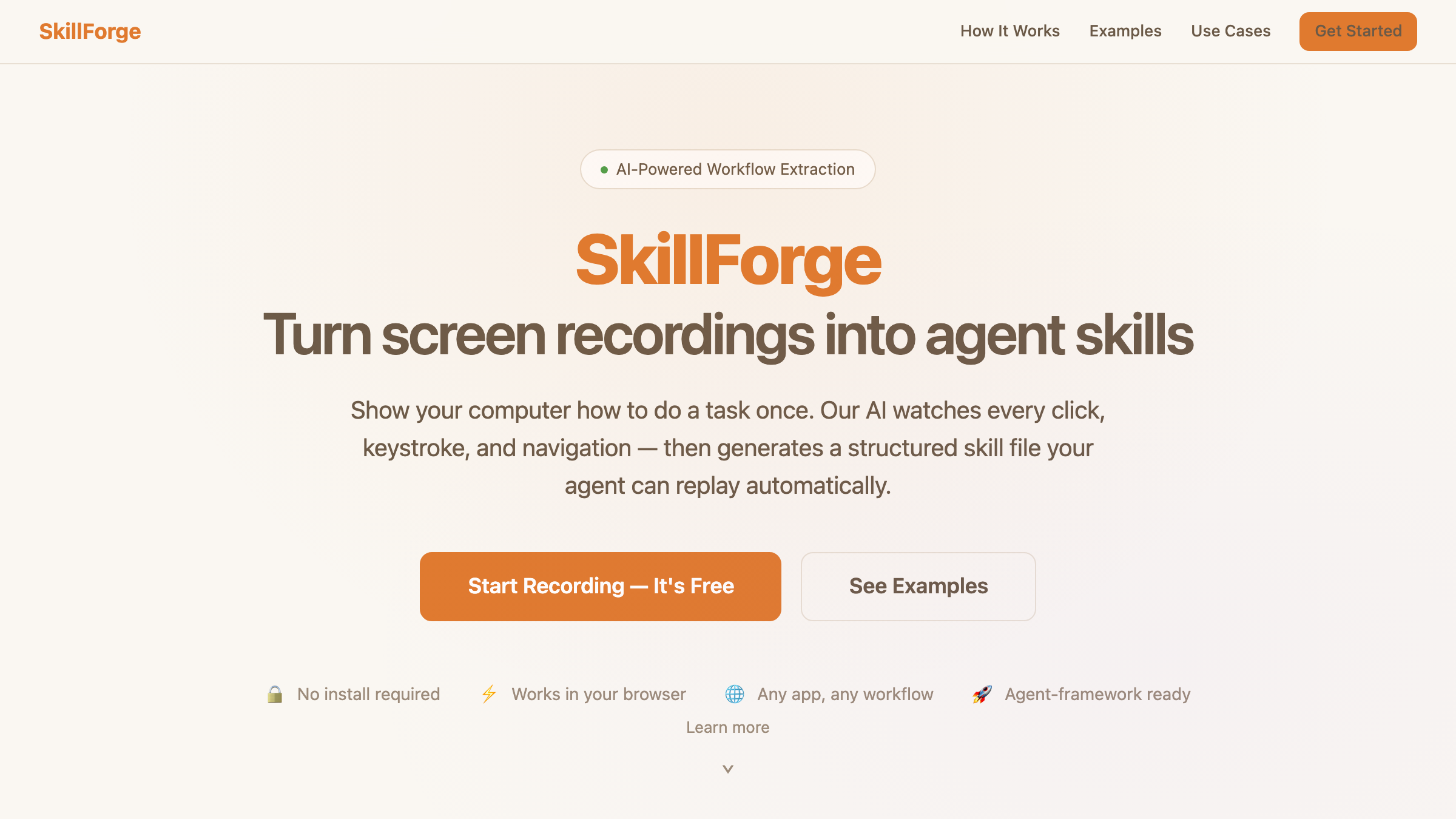
- Definition: SkillForge is a browser-based AI workflow automation platform that transforms screen recordings into structured, executable agent skills (e.g., SKILL.md files). It falls under the technical category of no-code AI agent skill development tools.
- Core Value Proposition: SkillForge eliminates manual automation scripting by converting natural user interactions (clicks, keystrokes, app switches) into replayable AI agent skills, enabling non-technical users to automate cross-application workflows without coding.
Main Features
- Browser-Based Recording: Captures user actions in real-time via browser recording (no installation). Tracks clicks, typing, navigation, and app switches across any desktop/web application using OS-level event logging.
- AI-Powered Workflow Extraction: Analyzes recording frames via computer vision and action sequencing algorithms. Identifies UI elements, contextualizes actions (e.g., "Click Bitcoin price chart"), and structures steps with descriptive metadata.
- Interactive Workflow Editor: Allows step-by-step review/modification of auto-generated workflows. Users can reorder steps, edit descriptions, trim recordings, or use AI to optimize action sequences.
- SKILL.md Export: Compiles workflows into standardized SKILL.md files compatible with AI agent frameworks (e.g., OpenClaw). Includes timestamps, target elements, and conditional logic for autonomous execution.
Problems Solved
- Pain Point: Manual scripting for repetitive tasks consumes hours/week, requires coding expertise, and breaks with UI changes. SkillForge automates this via observational learning.
- Target Audience:
- Non-technical professionals: Marketing managers (report generation), HR coordinators (onboarding flows), finance officers (data entry).
- Automation engineers: Accelerating skill development for AI agent deployments.
- SMBs: Teams lacking RPA budgets but needing workflow automation.
- Use Cases:
- Data workflows: Auto-filling spreadsheets, CRM updates, invoice processing.
- Multi-app tasks: Research (web scraping → note-taking), social media cross-posting.
- IT operations: User provisioning, software deployment checks.
Unique Advantages
- Differentiation: Unlike Zapier (API-only) or RPA tools (UI-based but code-heavy), SkillForge converts any screen interaction into agent skills without integrations or scripting. Competitors lack its recording-to-SKILL.md conversion.
- Key Innovation: Patented frame-by-frame action analysis that maps visual elements to executable commands, enabling accurate replay even in dynamic UIs (e.g., changing button positions).
Frequently Asked Questions (FAQ)
- How does SkillForge work with AI agents like OpenClaw?
SkillForge exports skills as SKILL.md files containing annotated steps, which agents parse to autonomously replicate tasks in target applications. - Can SkillForge automate tasks in desktop applications?
Yes, it captures all screen activity via browser recording, supporting desktop apps (Excel), web tools (Salesforce), and hybrid workflows. - Is coding required to edit SkillForge workflows?
No, the visual editor lets users modify steps via drag-and-drop, text edits, or AI-assisted restructuring—no programming needed. - How accurate is SkillForge’s AI extraction?
The AI achieves ~90% accuracy by correlating mouse/keyboard events with on-screen elements, with manual review for edge cases (e.g., dynamic content). - What’s included in SkillForge’s free tier?
Unlimited recordings + AI extractions, plus 100 free credits for SKILL.md exports. Paid plans start at $8/month post-trial.


