
Product Introduction
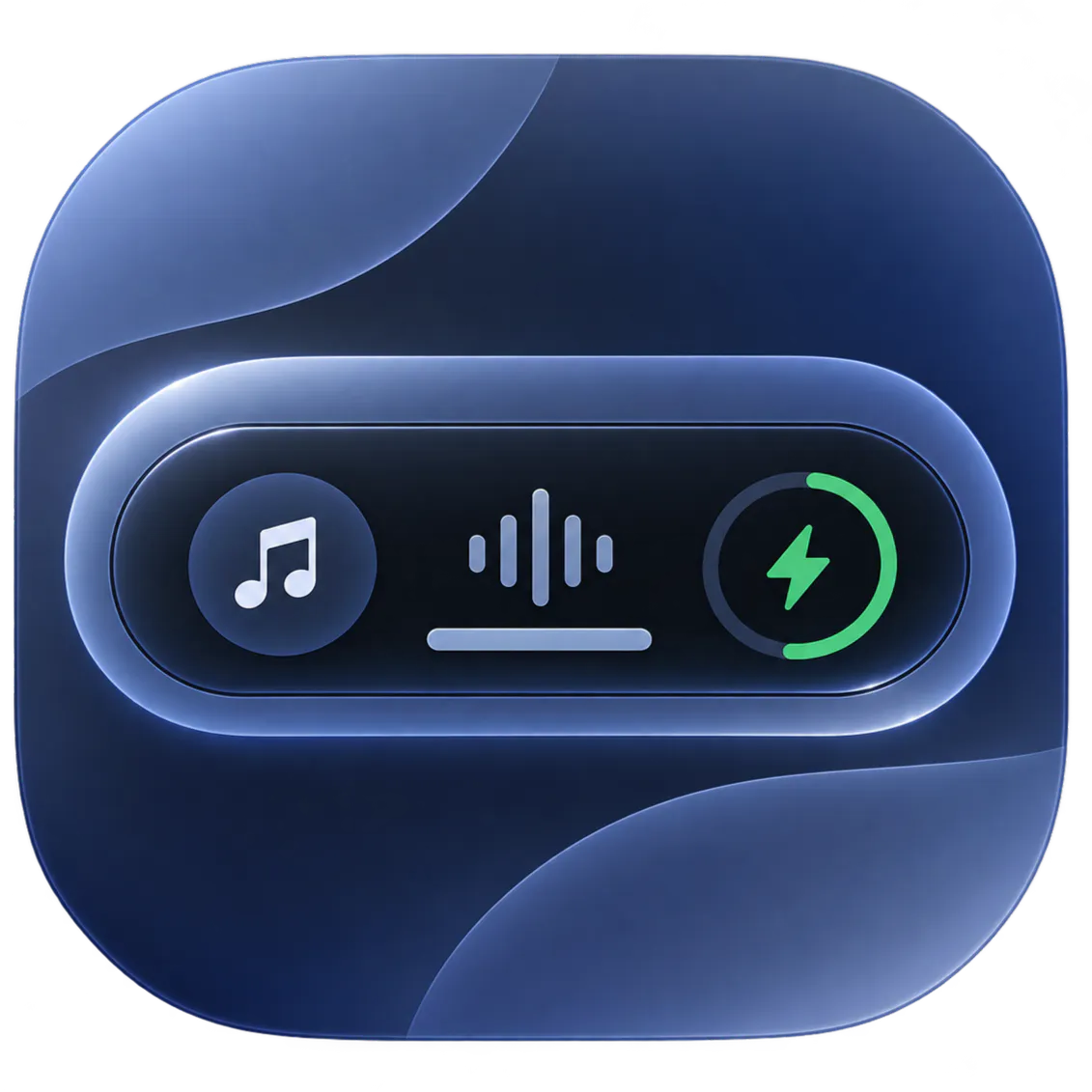
- Definition: Dynamic Edge is a native Windows desktop utility application built with WinUI 3 and the Windows App SDK. It is a floating, dockable interface that consolidates system controls and productivity tools into a single, animated capsule.
- Core Value Proposition: It exists to centralize fragmented Windows workflow actions—like media control, volume adjustment, and app launching—into a single, instantly accessible, and aesthetically cohesive hub. Its primary value is reducing context switching and mouse travel for power users and multitaskers, directly enhancing Windows productivity and user experience.
Main Features
- Universal Media Controls & Live Scrubbing: This feature integrates directly with the Windows System Media Transport Controls (SMTC) API, providing system-level control over any compatible media player. It displays real-time playback information, album art, and includes a non-latency seek slider for precise timestamp scrubbing. A session switcher allows cycling between active players like Spotify, web browsers, and VLC.
- Master Volume Flyout with Mouse Wheel Scrubbing: It replicates a modern volume control flyout with a percentage readout. The technical innovation is the mouse wheel scrubbing functionality: hovering over the speaker icon and scrolling adjusts the master system volume without requiring a click, enabling rapid, granular audio adjustments.
- Dual Docking Architecture with Spring Physics: The application offers two primary UI modes. Top Island Mode docks the capsule centrally at the top screen edge. Side Blade Mode docks it to the left or right screen border with edge-reveal behavior. Underlying this is a custom physics engine using sub-pixel spring animations and configurable dwell triggers, deadbands, and auto-collapse timers to ensure smooth, zero-flutter interactions.
- Smart Quiet Feed Mode: This is a context-aware filtering system designed to reduce on-screen distraction. It intelligently detects and suppresses the utility's own popups when a user is scrolling through repetitive, short-form video content on platforms like YouTube Shorts, Instagram Reels, and TikTok within a browser.
- Customizable Quick App & Folder Launchers: Users can pin up to three frequently accessed applications, terminal instances, or Windows File Explorer directories to one-click launcher slots within the capsule. This bypasses the need to search the Start Menu or taskbar.
Problems Solved
- Pain Point: It solves the problem of dispersed system controls, where adjusting volume, managing media playback, and launching apps require interacting with different, often hidden, areas of the Windows UI (system tray, taskbar, Start Menu). This fragmentation leads to inefficiency and workflow interruption.
- Target Audience: The primary user personas are Windows power users, multitaskers, content consumers, and developers who value efficiency and a clean desktop. This includes professionals who frequently switch between communication apps, media, and work tools, as well as users who appreciate macOS-like UI fluidity on Windows.
- Use Cases: Essential scenarios include: quickly pausing music during a video call without minimizing windows; instantly adjusting volume while in a full-screen game or application; rapidly launching a development environment or project folder; and managing podcast playback from any screen edge while working across multiple monitors.
Unique Advantages
- Differentiation: Unlike standalone widget apps or browser extensions, Dynamic Edge is a native, system-level utility with deep Windows integration (SMTC, global hotkeys). Compared to other dock applications, it is hyper-focused on rapid utility access rather than application organization, and it is significantly more lightweight and private than Electron-based alternatives.
- Key Innovation: The core innovation is the combination of a context-aware, physics-driven UI with deep system API integration. The "Smart Quiet Feed Mode" demonstrates behavioral intelligence, while the spring physics engine provides a uniquely fluid and responsive interaction model not commonly found in Windows utility software.
Frequently Asked Questions (FAQ)
- Is Dynamic Edge free and does it collect data? Yes, Dynamic Edge is a free download on the Microsoft Store. The developer explicitly states it operates 100% offline with zero data collection, zero telemetry, and no internet connectivity requirements.
- How does Dynamic Edge compare to the macOS Dynamic Island? Dynamic Edge is inspired by the convenience of Dynamic Island but is built natively for Windows. It adapts the concept to a desktop environment with features like side-docking, mouse wheel volume control, and folder launching, which are tailored to Windows user workflows rather than mimicking a phone notch.
- Can I use Dynamic Edge on multiple monitors? Yes, Dynamic Edge supports multi-monitor setups. You can position the utility on any screen, and its global hotkey ("Magic Shake") will summon it regardless of which display you are actively using.
- What are the system requirements for Dynamic Edge? It requires Windows 10 version 1809 or later, or any version of Windows 11. It is built on the Windows App SDK and WinUI 3, ensuring compatibility and a modern UI on supported systems.
- Does it work with all media players and browsers? It works with any application that supports the Windows System Media Transport Controls (SMTC), which includes major browsers (Chrome, Edge, Firefox, Brave), streaming apps (Spotify, Apple Music), and local media players (VLC, Windows Media Player).


