
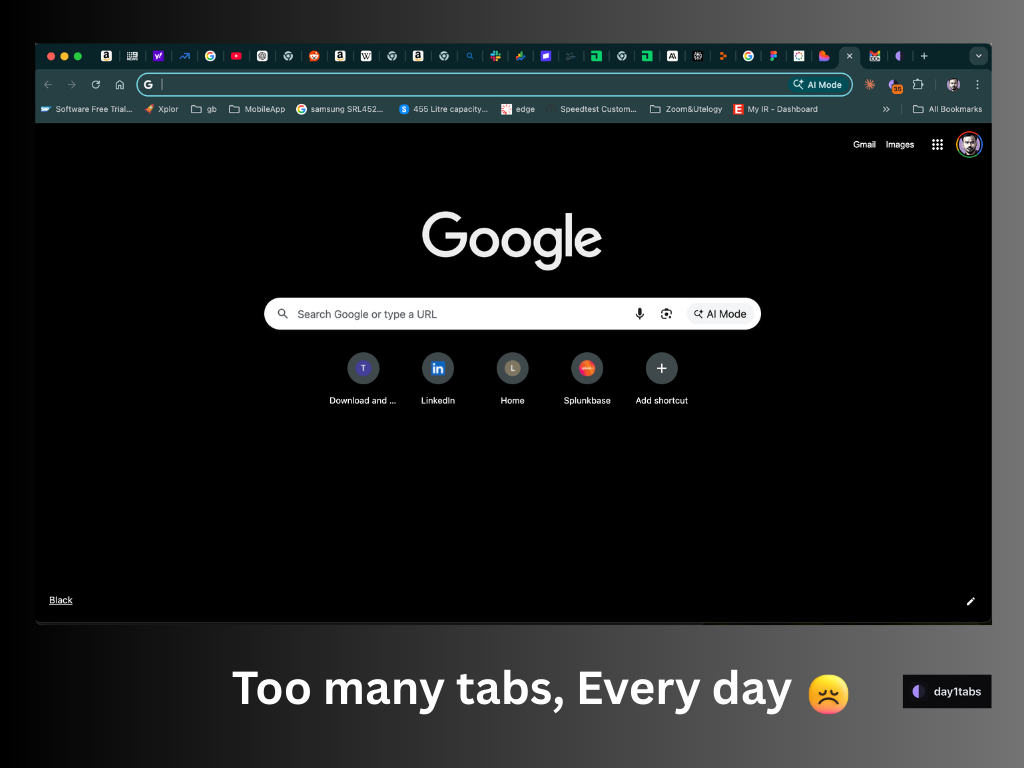
Product Introduction
- Definition: day1tabs is a lightweight, privacy-focused browser extension (specifically for Google Chrome) designed as an automated tab management solution. It operates locally within the user's browser.
- Core Value Proposition: It solves digital clutter and cognitive overload by automatically closing unused browser tabs at midnight, categorizing them based on actual usage ("Used" vs. "Didn't use"), and enabling selective recovery. Its primary keywords include: automated tab closer, reduce browser tabs, tab manager extension, browser tab organizer, privacy-focused productivity tool.
Main Features
Automated Midnight Tab Closure:
How it works: The extension triggers precisely at midnight (user's local time) via the browser's internal scheduling mechanisms (likealarmsAPI). It scans all open tabs in non-incognito windows.
Technology: Utilizes Chrome'stabsAPI for enumeration and closure, andstorage.localfor settings/state. Zero external server communication occurs.Intelligent Tab Categorization (Used vs. Didn't Use):
How it works: Tabs are sorted into two clear lists post-closure. "Used" tabs are those the user actively viewed or interacted with during the day. "Didn't use" tabs are those never brought into focus.
Technology: Tracks tab activation (tabs.onActivatedlistener) and potentially focus events (windows.onFocusChanged) to determine usage, storing this data ephemerally in local browser storage only for the daily cycle.Smart Protection & Recovery:
How it works: Key tabs are exempt from closure: Pinned tabs, the currently active tab at midnight, and tabs from user-defined "Never-close domains" (e.g., Gmail, Google Docs, Salesforce). All closed tabs remain instantly recoverable via one-click restoration until the next midnight auto-close cycle.
Technology: Leverages Chrome'ssessionsAPI to store closed tab data locally for recovery. Domain whitelisting uses pattern matching against tab URLs. Pinned tab status is checked viatabsAPI properties.
Problems Solved
- Pain Point: Addresses browser tab overload, reduced productivity from tab hoarding, memory/RAM bloat from unused tabs, and the anxiety of manually closing potentially important tabs. Uses keywords: too many tabs open, tab hoarding solution, browser performance issues, digital clutter.
- Target Audience:
- Knowledge Workers: Researchers, writers, analysts with extensive reference material open.
- Developers & Tech Professionals: Those keeping documentation, Stack Overflow, dashboards, and tools open simultaneously.
- Students: Managing research, study materials, and communication platforms.
- Individuals with ADHD/Focus Challenges: Who struggle with tab organization and digital distraction.
- Use Cases:
- Ending the workday with 50+ tabs and dreading sorting them.
- Preventing crucial work apps (Email, CRM, Docs) from accidentally closing.
- Identifying and permanently discarding tabs opened impulsively or for fleeting reference.
- Reducing Chrome's memory footprint for improved system performance.
Unique Advantages
- Differentiation: Unlike manual tab managers or session savers (e.g., OneTab, Toby), day1tabs enforces behavioral change through automated closure and provides immediate, actionable feedback via usage-based categorization. It differs from simple tab limiters by offering recovery and smart protection. Competitors often lack the zero-data-collection guarantee and the frictionless daily reset mechanism.
- Key Innovation: The combination of automated, time-based closure, local-only usage tracking with zero data collection, and the "Used/Didn't Use" recovery interface creates a uniquely frictionless approach to combating tab overload. The "Never-close domains" whitelist intelligently preserves workflow-critical tabs without user intervention.
Frequently Asked Questions (FAQ)
- Is day1tabs safe? Does it collect my browsing data?
day1tabs is completely safe and private. It operates 100% locally within your Chrome browser. It collects zero browsing data, history, or tab information. No data is sent to any external servers. - What happens if day1tabs closes a tab I still need?
All tabs closed by day1tabs are fully recoverable with one click until the next automatic closure occurs at midnight. Simply go to the day1tabs popup, find the tab in the "Used" or "Didn't use" list, and click to reopen it instantly. - How does day1tabs decide if a tab was "Used"?
A tab is marked as "Used" if it was the active tab (in focus) in its window at any point during the day before the midnight closure. Pinned tabs, the active tab at midnight, and tabs on never-close domains are protected and not categorized. - Can I customize which tabs never close automatically?
Yes. day1tabs allows you to define "Never-close domains" (e.g.,mail.google.com,docs.google.com,*.salesforce.com). Any tab open on a whitelisted domain is automatically protected from closure. Pinned tabs and the active tab are always protected. - Is day1tabs available for browsers other than Chrome?
Currently, day1tabs is only available as a Chrome extension on the Chrome Web Store. There is no official version for Firefox, Safari, or Edge at this time.


