
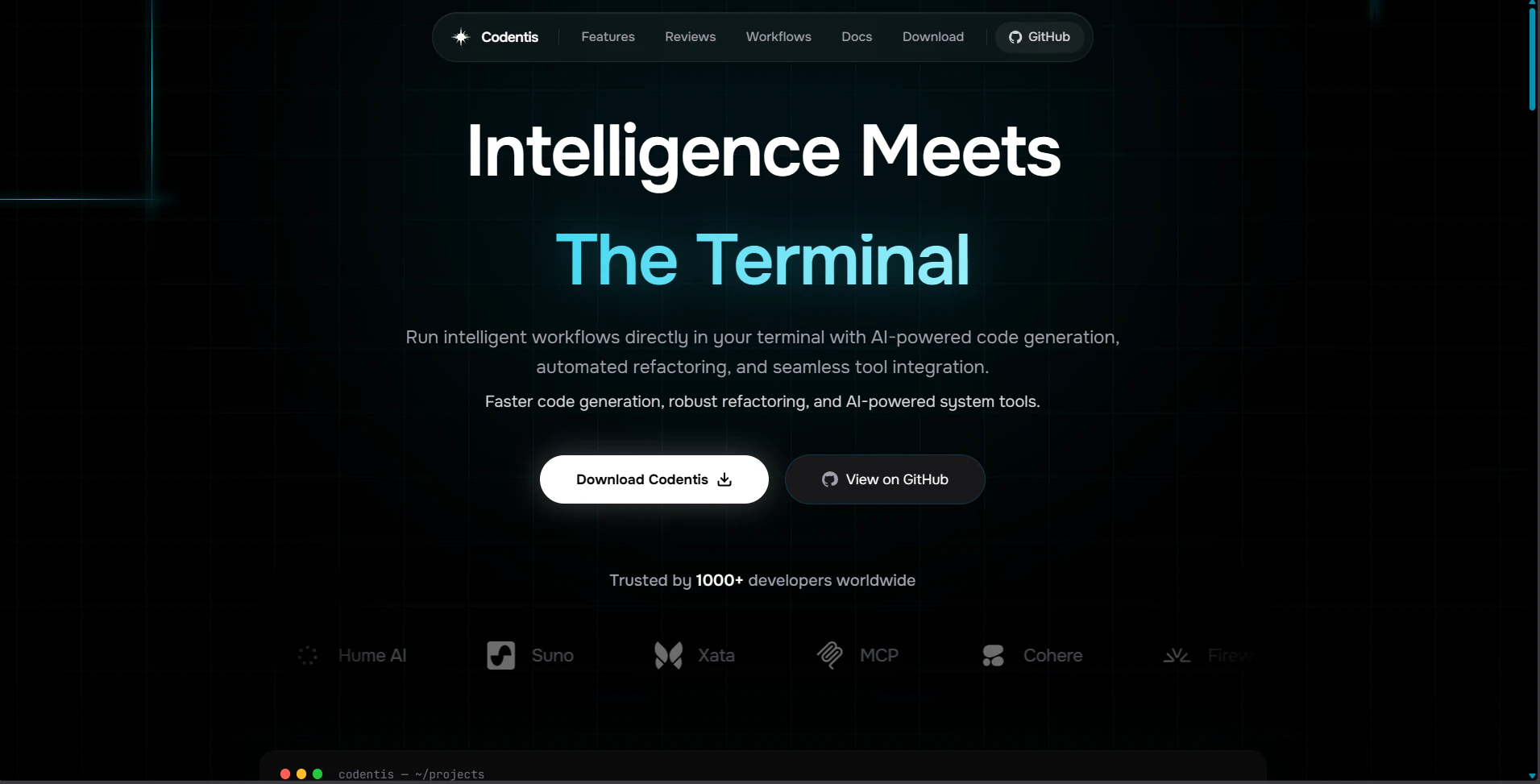
Product Introduction
Definition: Codentis is a sophisticated, open-source AI-powered Command Line Interface (CLI) developer assistant and agentic workstation. Technically categorized as an agentic AI CLI tool, it is built on a modular Python architecture designed to execute complex development workflows, code analysis, and system operations directly within a terminal environment.
Core Value Proposition: Codentis exists to eliminate context switching and streamline the software development lifecycle (SDLC) by bringing high-level artificial intelligence into the developer's primary workspace: the terminal. By utilizing an agentic architecture with session memory and asynchronous processing, it provides a high-performance alternative to browser-based AI chats, enabling faster code generation, automated debugging, and deep codebase understanding through a unified command-line interface.
Main Features
Agentic Architecture and Async Processing: Codentis operates on an event-driven loop that separates the CLI capture, the agent orchestration, and the LLM (Large Language Model) client. By utilizing Python’s async capabilities, the system handles complex tasks—such as multi-file analysis or long-running code generation—without blocking the user interface. This ensures that the terminal remains responsive while the agent processes background tasks or streams data.
Real-Time Streaming TUI with Syntax Highlighting: The interface is powered by the Rich library, providing a high-fidelity Terminal User Interface (TUI). This feature allows for real-time streaming of AI responses, ensuring that code explanations and documentation appear character-by-character. The output includes full syntax highlighting for dozens of programming languages, making generated code blocks immediately readable and ready for review.
Modular Multi-Provider LLM Integration: Codentis is designed with a provider-agnostic LLM client layer. It natively supports OpenAI, OpenRouter, and Ollama, as well as any OpenAI-compatible API endpoint. This flexibility allows developers to switch between state-of-the-art cloud models like GPT-4 and Claude 3.5 or local, privacy-focused models, ensuring data sovereignty and cost management.
Pydantic-Validated Tool System: The assistant is equipped with 10+ interactive tools and commands that go beyond text generation. These tools are validated using Pydantic for type safety and include capabilities for file system manipulation, shell command execution, and integrated web searches. This allows the agent to interact with the local environment to read codebases, execute tests, or fetch the latest library documentation from the internet.
Smart Context and Session Memory: To ensure highly relevant responses, Codentis employs token-aware context management. It tracks conversation history and project-specific details across sessions. This persistent memory allows the AI to understand the broader architectural patterns of a project, enabling it to provide refactoring suggestions and debugging solutions that are tailored to the specific codebase rather than generic templates.
Problems Solved
Pain Point: Developer Context Switching. Developers often lose productivity when moving between their IDE, terminal, and browser-based AI tools. Codentis solves this by centralizing AI assistance in the terminal, allowing for "flow state" development where queries and code applications happen in one place.
Target Audience: The primary users are Backend Engineers, DevOps Professionals, System Administrators, and Open-Source Contributors. It is particularly valuable for developers who work in Linux/Unix environments and those who prioritize keyboard-driven workflows.
Use Cases:
- Rapid Prototyping: Generating boilerplate code and REST API structures using simple natural language prompts.
- Intelligent Debugging: Pasting stack traces into the CLI for immediate analysis, root cause identification, and step-by-step fix implementation.
- Legacy Code Refactoring: Analyzing old modules to suggest modern patterns, improved error handling, and performance optimizations.
- Codebase Exploration: Asking questions about a new or complex repository to understand its architecture and dependency graph without manual file-by-file inspection.
Unique Advantages
Differentiation: Unlike many AI extensions that are locked into specific IDEs (like VS Code), Codentis is a standalone CLI agent. This makes it compatible with any text editor (Vim, Emacs, Nano) and allows it to be used in remote server environments via SSH. Its "Terminal-First" philosophy ensures it remains lightweight and avoids the bloat associated with GUI-based AI tools.
Key Innovation: The "Resilient Client" mechanism. Codentis incorporates an intelligent retry system using exponential backoff algorithms. This technical implementation ensures that development workflows are never interrupted by temporary API outages, rate limits, or network instability, providing a level of reliability required for production-grade development.
Frequently Asked Questions (FAQ)
How does Codentis interface with my local codebase? Codentis uses a modular tool system that allows the AI agent to read directory structures and file contents within your permitted project paths. This data is processed through its context management system, ensuring that the LLM has a token-optimized view of your relevant code files to provide accurate, project-specific assistance.
Can I use Codentis with local AI models for privacy? Yes, Codentis supports Ollama and other OpenAI-compatible local providers. This allows developers to run all AI processing on their own hardware, ensuring that sensitive source code never leaves the local machine, which is a critical requirement for enterprise and security-conscious development.
What makes the Codentis "Agentic Architecture" different from a standard AI chat? A standard AI chat simply responds to prompts. An agentic architecture like that of Codentis allows the system to use "tools" to perform actions. It can decide to search the web, read a file, and then execute a shell command to verify a solution, following a multi-step reasoning loop to complete complex objectives rather than just providing a text response.


