
Product Introduction
Definition: CC-BEEPER is a native macOS companion application and desktop widget designed specifically for the Claude Code CLI (Command Line Interface). Categorized as a developer productivity tool and system utility, it functions as a floating, retro-style pager that monitors and visualizes the internal states of Claude Code sessions. Built using SwiftUI and Swift, it operates as a local-first middleware that intercepts lifecycle events from the terminal to provide a persistent, "always-on-top" status display.
Core Value Proposition: The primary objective of CC-BEEPER is to eliminate "terminal babysitting"—the inefficient practice of manually monitoring long-running AI coding tasks. By providing real-time LCD status updates, pixel art animations, and audio-visual cues, it allows software engineers to maintain their development flow in other applications while Claude Code executes tasks in the background. It bridges the gap between a headful CLI and a headless background process through on-device Whisper-based voice dictation and Kokoro-driven text-to-speech (TTS) recaps.
Main Features
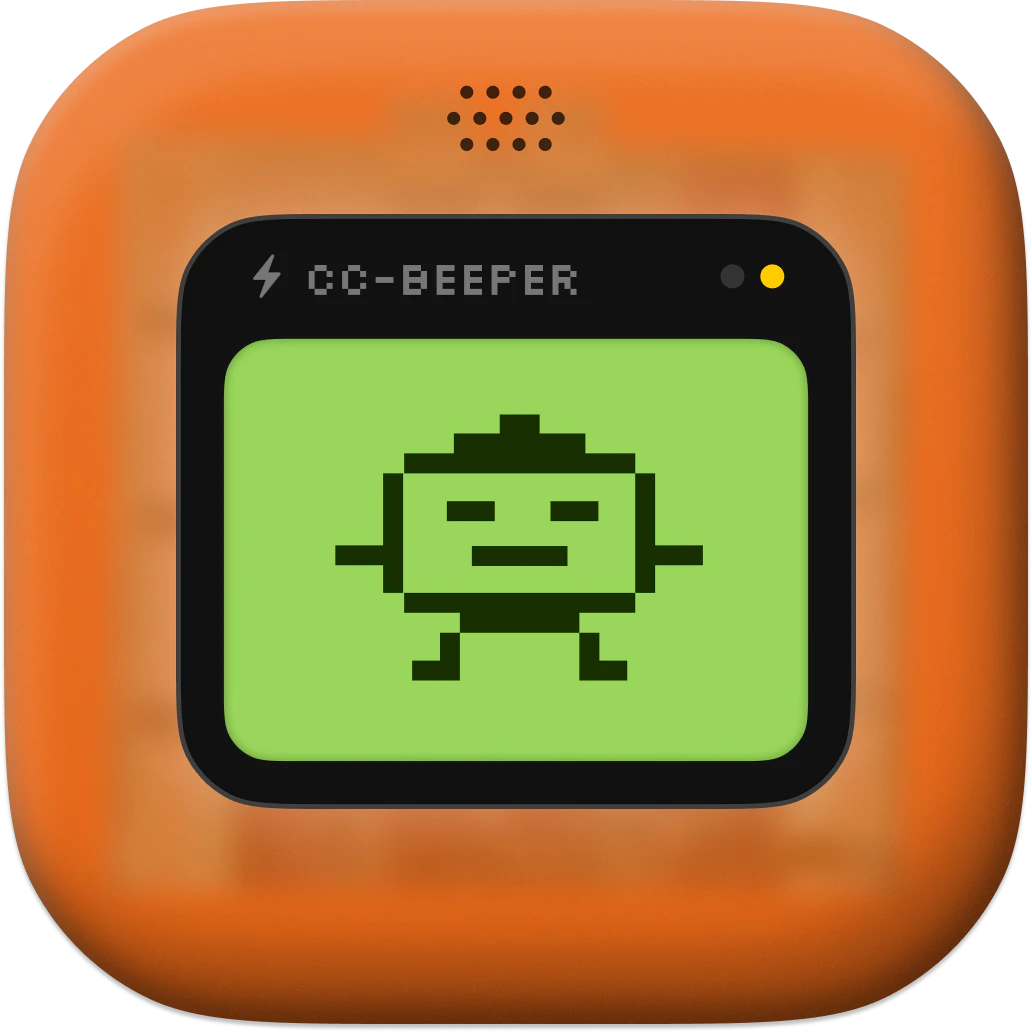
Real-Time State Orchestration & Pixel Art LCD: CC-BEEPER tracks eight distinct operational states: Snoozing, Working, Done, Error, Allow?, Input?, Listening, and Recap. Each state is represented by a custom pixel-art animation on a virtual LCD. The system utilizes a priority-based resolution engine; if multiple Claude Code sessions are active simultaneously, the widget automatically displays the state with the highest urgency (e.g., a "Permission Request" overrides a "Working" state) to ensure critical blockers are addressed immediately.
Granular Auto-Accept Permission Modes: To streamline the AI-driven development lifecycle, CC-BEEPER implements four distinct automation tiers:
- Strict: Requires manual user intervention for every tool request.
- Relaxed: Automatically approves read-only operations while prompting for writes and commands.
- Trusted: Grants automatic permission for file-system modifications but holds for shell executions.
- YOLO (You Only Live Once): Fully automates the workflow by auto-approving all requests, including potentially destructive shell commands and network access. These modes are toggled via the macOS menu bar and directly modify the interaction logic between the CLI and the system.
Local-First Voice & Audio Engine: The application integrates high-performance, on-device AI models for hands-free interaction. It leverages WhisperKit (supporting 99 languages) for local speech-to-text (STT) dictation, allowing users to prompt Claude or answer questions via voice. For output, it utilizes Kokoro, an on-device TTS engine with 54 high-quality voices across 9 languages, to provide spoken summaries of Claude's work. By running these models locally, CC-BEEPER maintains zero latency and total data privacy.
Transparent Hook Architecture:
CC-BEEPER functions by binding to a local HTTP port (ranging from 19222 to 19230) and registering seven specific hook scripts in the ~/.claude/settings.json file. These hooks (UserPromptSubmit, PreToolUse, PostToolUse, etc.) allow the application to receive asynchronous updates and manage blocking permission requests via standard TCP connections. This architecture ensures that the widget remains synchronized with the CLI without requiring modification of the Claude Code core binary.
Problems Solved
Pain Point: Context-Switching and "Terminal Blindness": Developers often lose track of AI progress when the terminal is buried under IDE windows or browser tabs. CC-BEEPER solves this by providing a persistent visual anchor on the desktop, reducing the cognitive load required to check if a task is finished or stuck on a permission prompt.
Target Audience:
- Software Engineers: Using Claude Code for large-scale refactoring or boilerplate generation.
- AI Power Users: Who prefer CLI tools but desire the feedback loops of a GUI.
- Privacy-Conscious Developers: Who require AI assistance without sending telemetry or voice data to third-party cloud providers.
- Accessibility-Focused Users: Who benefit from voice-driven commands and auditory status updates.
Use Cases:
- Automated Refactoring: Running Claude on a large codebase while the developer reviews documentation in a browser.
- Hands-Free Coding: Using "Double Clap" dictation to provide instructions to Claude Code without removing hands from a secondary device or physical setup.
- Background Task Monitoring: Receiving a chime and a spoken "recap" when a long-running test-fix cycle completes.
Unique Advantages
Zero-Dependency Privacy: Unlike many AI wrappers that require external API keys or cloud processing, CC-BEEPER is 100% local. It uses no telemetry, no analytics, and no outbound connections except for the local loopback (127.0.0.1). This makes it suitable for enterprise environments with strict security protocols.
Vibe-Coded Retro Aesthetic: The product combines modern AI capabilities with a nostalgic "pager" aesthetic. This is not merely cosmetic; the simplified LCD interface is designed for high glanceability, allowing users to process status information in milliseconds compared to reading lines of terminal text.
Native macOS Integration: As a native Swift application, it supports system-level features like global hotkeys (remappable for any keyboard layout), haptic feedback, and macOS 14+ optimized performance. Its low resource footprint ensures that the AI models and the widget do not interfere with the performance of the primary development environment.
Frequently Asked Questions (FAQ)
Does CC-BEEPER require an Anthropic API key to function? No. CC-BEEPER is a companion for the Claude Code CLI. While the CLI itself requires an Anthropic account, CC-BEEPER operates locally by hooking into the CLI's existing configuration. It does not require its own API key or account.
How does "YOLO Mode" affect my system security? YOLO mode allows Claude Code to execute all suggested actions—including file deletions and shell commands—without asking for your permission. This significantly speeds up development but should only be used in environments where you trust the AI's context and have version control (like Git) active to revert unintended changes.
Can I use CC-BEEPER with terminal emulators other than the default Apple Terminal? Yes. CC-BEEPER is compatible with all major macOS terminal emulators, including iTerm2, Warp, Alacritty, Kitty, and WezTerm. It uses a dedicated "Focus Service" to target the active terminal window regardless of the specific application being used.
Are my voice recordings uploaded to a server for processing? No. All voice processing is handled on-device using WhisperKit. Your audio never leaves your Mac, and the application does not even require an internet connection to perform speech-to-text or text-to-speech functions.


