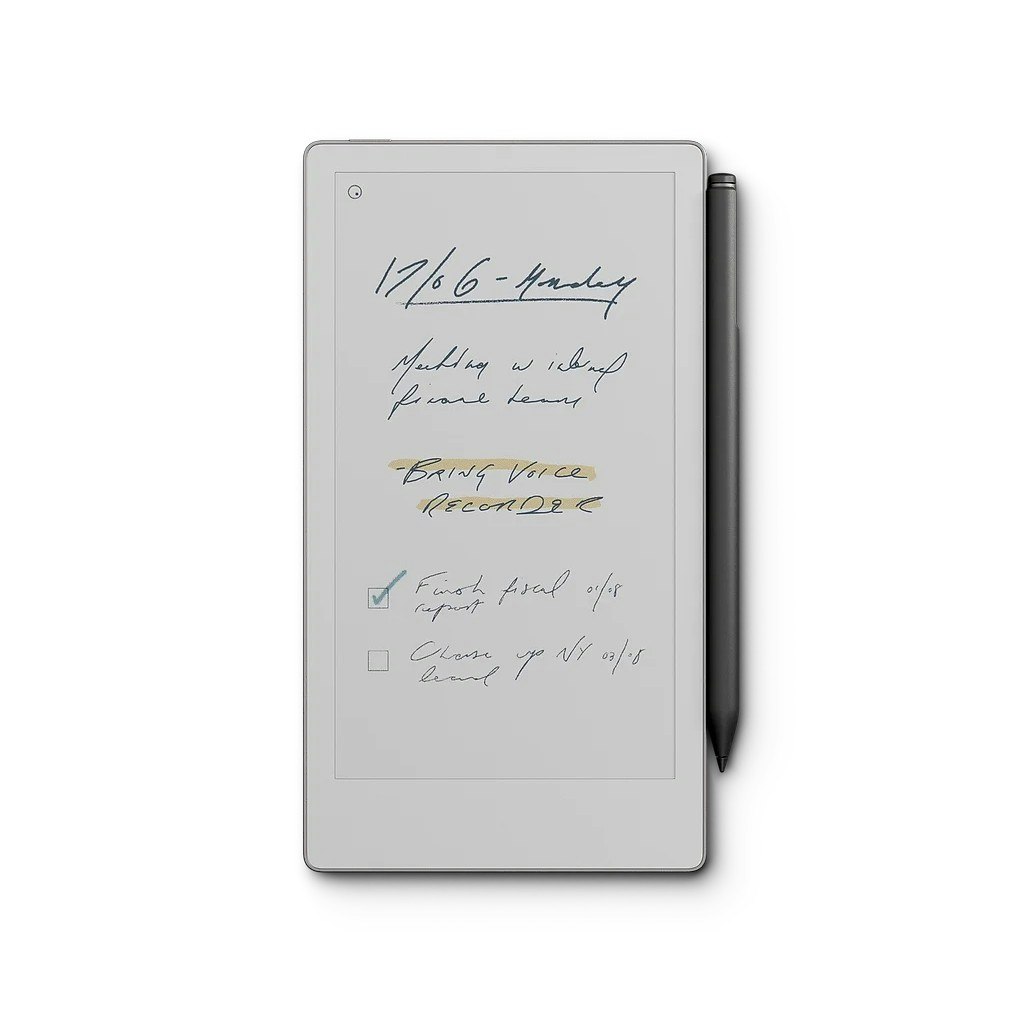
Product Introduction
- The reMarkable Paper Pro Move is a 7.3-inch color e-paper tablet designed to replicate the tactile experience of writing on paper while offering digital convenience. It combines a glare-free display with a textured surface for natural handwriting and sketching, bundled with a magnetically attached Marker and up to two weeks of battery life.
- Its core value lies in eliminating digital distractions by providing a focused environment for note-taking, document annotation, and face-to-face collaboration, making it ideal for professionals who prioritize productivity and minimalism.
Main Features
- The 7.3-inch color display uses E Ink Kaleido 3 technology to deliver a paper-like texture and low-glare readability, even in direct sunlight, while supporting 4,096 pressure levels for precise handwriting and sketching.
- A distraction-free design excludes apps, notifications, and ads, allowing users to focus entirely on writing, reading, or annotating PDFs and ebooks without interruptions.
- The device offers up to two weeks of battery life on a single charge, with fast charging (0–90% in 45 minutes) via USB-C, and includes an adjustable frontlight for comfortable use in low-light conditions.
Problems Solved
- It addresses the frustration of digital distractions during meetings or creative work by providing a dedicated tool for uninterrupted note-taking and collaboration.
- The product targets professionals, students, and creatives who need a portable, paper-like device for capturing ideas, annotating documents, or conducting face-to-face brainstorming sessions.
- Typical scenarios include capturing meeting notes, reviewing contracts on the go, sketching design concepts, or reading research papers without eye strain from traditional screens.
Unique Advantages
- Unlike tablets with glossy glass surfaces, the Paper Pro Move uses a patented textured glass display that mimics the friction and sound of writing on paper, paired with a color E Ink screen for diagrams and annotations.
- The integrated reading light adjusts brightness and color temperature to reduce blue light exposure, while the anodized aluminum frame and recycled materials enhance durability and sustainability.
- Competitive advantages include seamless integration with the Connect subscription for unlimited cloud storage, cross-device sync, and AI-powered features like handwritten text search and Slack integration, unavailable on most e-paper devices.
Frequently Asked Questions (FAQ)
- Can I use the Marker from reMarkable 2 with Paper Pro Move? No, the Paper Pro Move uses a redesigned Marker with enhanced pressure sensitivity and magnetic attachment, which is incompatible with older reMarkable devices due to differing technology.
- How do I transfer files from another device to Paper Pro Move? During setup at my.remarkable.com, users can sync files from the cloud, and Connect subscribers retain access to notes across three devices simultaneously.
- Does the reading light drain the battery? While the light reduces battery life when used at maximum brightness, the display itself consumes zero power in static mode, maintaining up to two weeks of typical usage.
- What distinguishes Paper Pro Move from reMarkable Paper Pro? The Paper Pro Move has a smaller 7.3-inch color display and lacks a keyboard accessory, prioritizing portability, while the Paper Pro offers an 11.8-inch screen and Type Folio compatibility for extended typing.
- Is a Connect subscription required? No, but without it, cloud storage is limited to 50 days of recent files, and advanced features like note editing in mobile apps or AI text conversion require an active subscription.