
Product Introduction
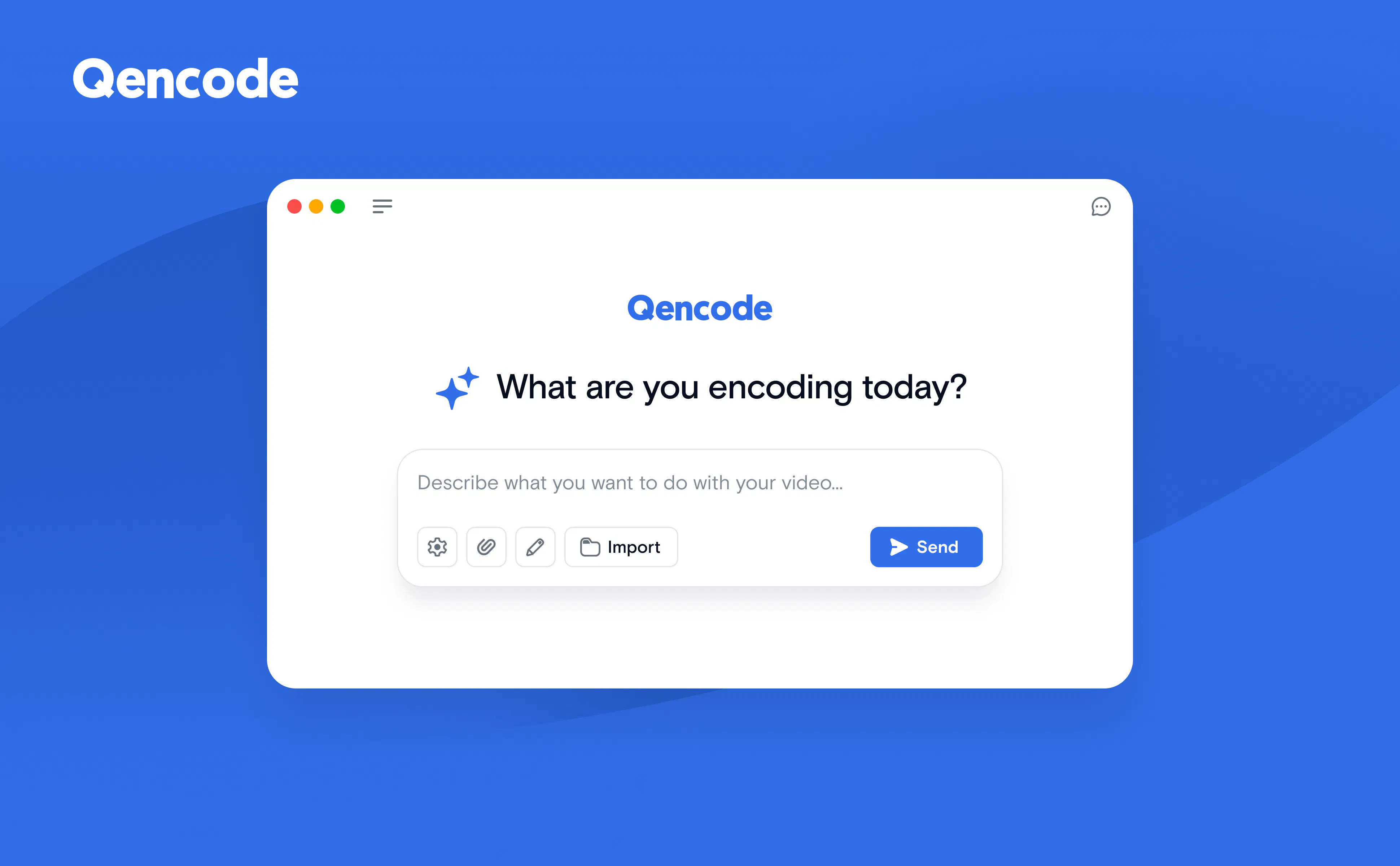
- Definition: The Qencode MCP (Model Context Protocol) server is a hosted, cloud-based integration layer that connects AI assistants and developer tools directly to the Qencode video processing platform. It functions as a specialized MCP server, a standardized protocol for AI agent tool use, enabling natural language control over professional-grade video workflows.
- Core Value Proposition: It exists to bridge the gap between conversational AI and complex video engineering, allowing developers, content teams, and creators to execute sophisticated video transcoding, analysis, and delivery tasks using plain English prompts, thereby dramatically reducing the technical barrier and time required for video processing.
Main Features
- Natural Language Video Transcoding: Users describe their desired output (e.g., "create an MP4 for web at 1080p, 5 Mbps") and the server translates this into a technically correct Qencode API job. It leverages an integrated encoding knowledge base to apply best practices for codec selection, bitrate ladders, and container formats automatically.
- Adaptive Bitrate Streaming (HLS/DASH) Generation: The server can construct complete streaming packages from a single prompt. It generates master playlists, per-rendition variant playlists, and segmented media files optimized for delivery via CDNs to browsers, iOS, and other streaming clients, handling the complexity of multi-bitrate encoding.
- AI-Powered Media Intelligence & Manipulation: Beyond basic transcoding, the toolset includes generating subtitles, transcripts, and translations from audio tracks; creating thumbnails at specific times or intervals, including "Smart Thumbnails" where AI selects the best frame; and performing video editing operations like stitching clips together or trimming source files, all initiated via chat.
- Integrated Job & Storage Management: Users can start jobs, track their real-time status and completion percentage, and retrieve output URLs without leaving their AI client. It also provides tools to manage Qencode Media Storage: listing buckets, browsing contents, staging input files, and generating temporary download links for outputs.
Problems Solved
- Pain Point: The high technical complexity and time investment required to use raw video processing APIs. Developers and teams must write precise JSON configuration, understand codec specifics, and manage asynchronous job polling, which slows down prototyping and content operations.
- Target Audience: Frontend and Full-Stack Developers integrating video features; DevOps and Platform Engineers building media pipelines; Content Operations and Marketing Teams handling daily video uploads and transformations; Indie Hackers and Startup Teams without dedicated video engineering resources.
- Use Cases: Rapidly generating video previews and social media clips from master files; automating the creation of adaptive streaming packages for new video-on-demand content; extracting transcripts from interview footage for SEO and accessibility; batch-processing user-generated content with consistent output specifications; building video compilation reels from multiple source clips through conversational commands.
Unique Advantages
- Differentiation: Unlike traditional video API services that require manual coding, or simplistic "video converter" apps, Qencode MCP combines the power of an enterprise-grade cloud encoding platform with the accessibility of AI conversation. It is more capable and integrated than using a generic AI assistant to write API code, as it has direct tool access and domain-specific knowledge.
- Key Innovation: The deep integration of Qencode's proprietary encoding knowledge base directly into the MCP server's reasoning process. This ensures that natural language requests are not just syntactically translated but are optimized according to Qencode's recommended practices for quality, compatibility, and efficiency, making it an expert system accessible via chat.
Frequently Asked Questions (FAQ)
- How does Qencode MCP billing work? Transcoding minutes initiated through the Qencode MCP server are billed directly against your existing Qencode cloud plan, identical to jobs started via the standard API or dashboard. You only need an active Qencode account and project API key.
- What happens to my video files after processing with Qencode MCP? If you do not specify a permanent storage destination, output files are placed in temporary storage and automatically deleted approximately 24 hours after job completion. For long-term retention, you must configure a persistent output bucket in your Qencode Media Storage or a third-party cloud storage location.
- Which AI assistants and code editors are compatible with Qencode MCP? The server supports any client implementing the Model Context Protocol (MCP). Officially guided setups include Claude Desktop, Claude Code, Cursor IDE, ChatGPT (via MCP), Google Gemini, Grok, and Lovable. It connects via a remote server endpoint (
https://mcp.qencode.com/mcp). - Can Qencode MCP handle long-running video analysis jobs? Yes, for long-running tasks like Video Intelligence analysis or large adaptive bitrate ladders, you should use the
wait_for_jobtool with an extendedtimeout_secondsparameter rather than relying on repeated polling, as the server is designed to manage these asynchronous processes efficiently. - Is my API key secure when using Qencode MCP? Authentication is handled via your Qencode project API key, which you configure once in your MCP client. The key is used to authorize requests between your client and the hosted MCP server, which then communicates with Qencode's core API. You should keep this key private as it controls access to your billing account.


