Product Introduction
Definition: Momentra is a mobile photography application categorized as an aesthetic camera and photo framing tool. It is designed for the Android platform, available on the Google Play Store, and functions as a specialized camera utility that integrates artistic frame selection with direct photo capture and editing.
Core Value Proposition: The app exists to transform standard, everyday photos into visually warm, stylized, and shareable memories by applying curated artistic frames. Its primary purpose is to serve users who prioritize a cozy, retro, and minimalist aesthetic for personal photography, journaling, and social media content creation.
Main Features
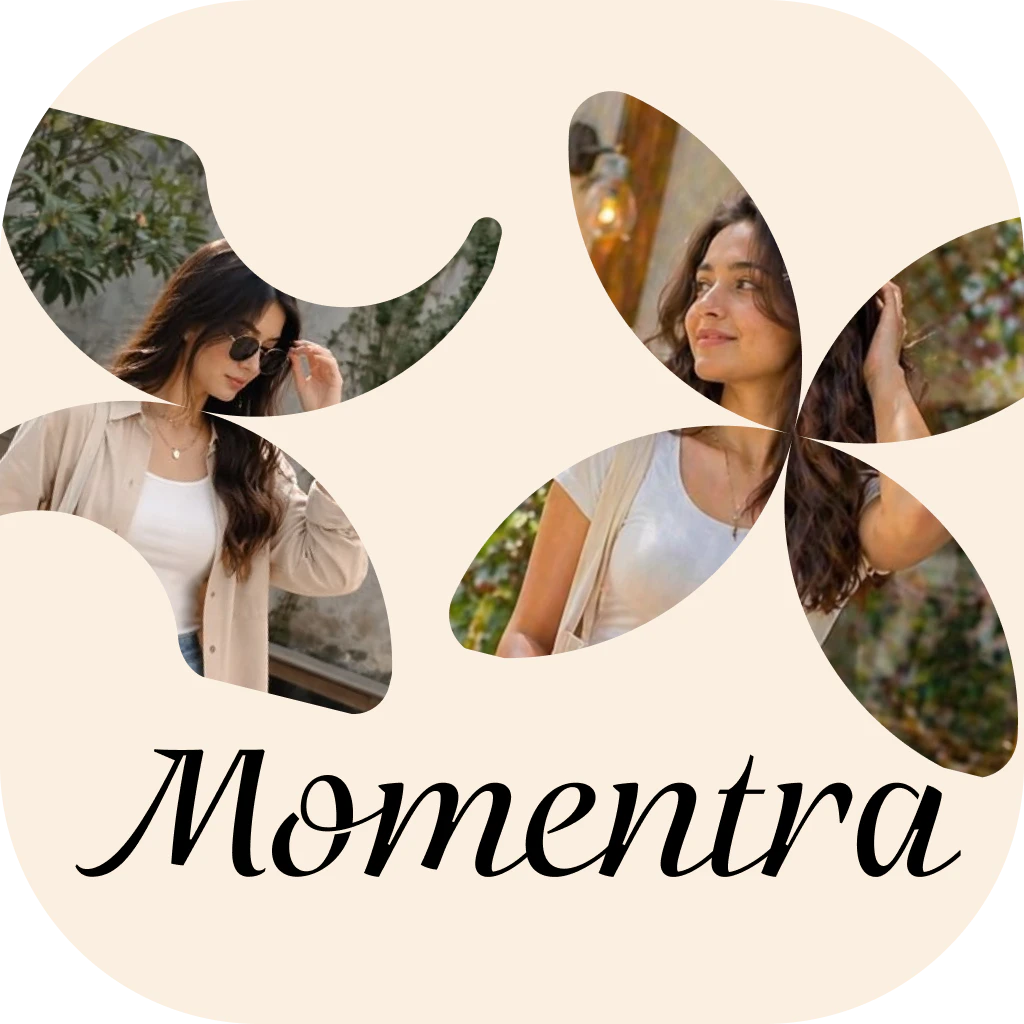
Cozy Aesthetic Frame Library: Momentra provides a collection of pre-designed digital frames, including styles like Postcard, Petal Bloom, Retro Wave, Lucky Bloom, Cozy Grid, Pixel Charm, and Soft Corner. Technically, these are image overlays or compositional masks applied to a user's photo. Users select a frame style before or after capture, and the app's interface composites the user's image within the chosen frame's design, adjusting dimensions and positioning automatically.
Simple Camera Interface & Capture Workflow: The application offers a streamlined, beginner-friendly camera experience. Users open the app, select their preferred frame style from the menu, and use the integrated camera to capture a photo directly within that frame. The interface is designed with a minimal, clean layout (described as "soft beige, cozy, and clean") to reduce clutter and focus the user on the creative composition.
Photo Styling and Memory Saving: Beyond live capture, Momentra allows users to style existing photos from their device gallery. The core technical process involves importing an image, applying a selected artistic frame or shape, previewing the composed result, and saving the final image file directly to the device's storage. This saved output is formatted for easy sharing on social media platforms.
Problems Solved
Pain Point: Addresses the challenge of making simple digital photos feel more personalized, emotional, and visually distinctive without requiring complex photo editing software or advanced design skills. It solves the problem of creating cohesive, aesthetically consistent images for specific platforms like Instagram stories or Pinterest boards.
Target Audience: The primary users are "cozy creators," journal enthusiasts, travel photographers, scrapbook makers, Pinterest users, Instagram story creators, and individuals who appreciate retro and minimalist visual styles. This includes casual photographers looking to enhance personal memories and content creators aiming for a specific warm aesthetic in their visual content.
Use Cases: Essential for crafting travel diary entries with a vintage postcard feel, creating aesthetic frames for coffee shop or daily life photos, designing cohesive visuals for digital journals or scrapbooks, generating ready-to-share images for social media stories and pins, and preserving personal moments with a soft, nostalgic visual treatment.
Unique Advantages
Differentiation: Unlike general-purpose photo editors (e.g., Snapseed, VSCO) or standard camera apps, Momentra specializes exclusively in frame-based aesthetic composition. It differentiates itself by focusing on a curated, themed output rather than offering a vast suite of editing tools like curves, levels, or extensive filters. Its value is in the simplicity and specificity of its frame designs.
Key Innovation: The innovation lies in the app's dedicated focus on "cozy" and "aesthetic" frame curation as its core function. It integrates the selection, preview, and application of these specific artistic borders into a single, intuitive workflow—capture or import, choose frame, save. This creates a niche tool optimized for a particular visual outcome rather than broad photo manipulation.
Frequently Asked Questions (FAQ)
What types of aesthetic frames does Momentra offer for photos? Momentra provides a diverse library of artistic frames including Postcard, Petal Bloom, Retro Wave, Lucky Bloom, Cozy Grid, Pixel Charm, and Soft Corner styles, all designed to give photos a soft, warm, and personalized look.
Can I use Momentra to edit photos I've already taken? Yes, Momentra is designed for both capturing new photos and styling existing ones. You can import a photo from your device's gallery and apply any of the app's frame styles before saving the final image.
Is the Momentra app free to download and use? The app is available for free download from the Google Play Store. Based on the provided information, it contains ads and may offer in-app purchases, though specific details on premium features are not listed in the summary.
How is Momentra different from a regular photo editing app? Momentra is not a full-featured photo editor. It specializes exclusively in applying beautifully designed, pre-set aesthetic frames to photos. It focuses on providing a simple, calm user experience for creating cohesive, frame-styled memories rather than offering tools for color correction, retouching, or complex adjustments.
For which social media platforms are Momentra photos best suited? Photos created with Momentra are optimized for sharing on platforms like Instagram (stories, posts), Pinterest (pins), and in personal digital journals or scrapbooks. The app's output is designed to be visually polished and ready for these visual-centric platforms.