
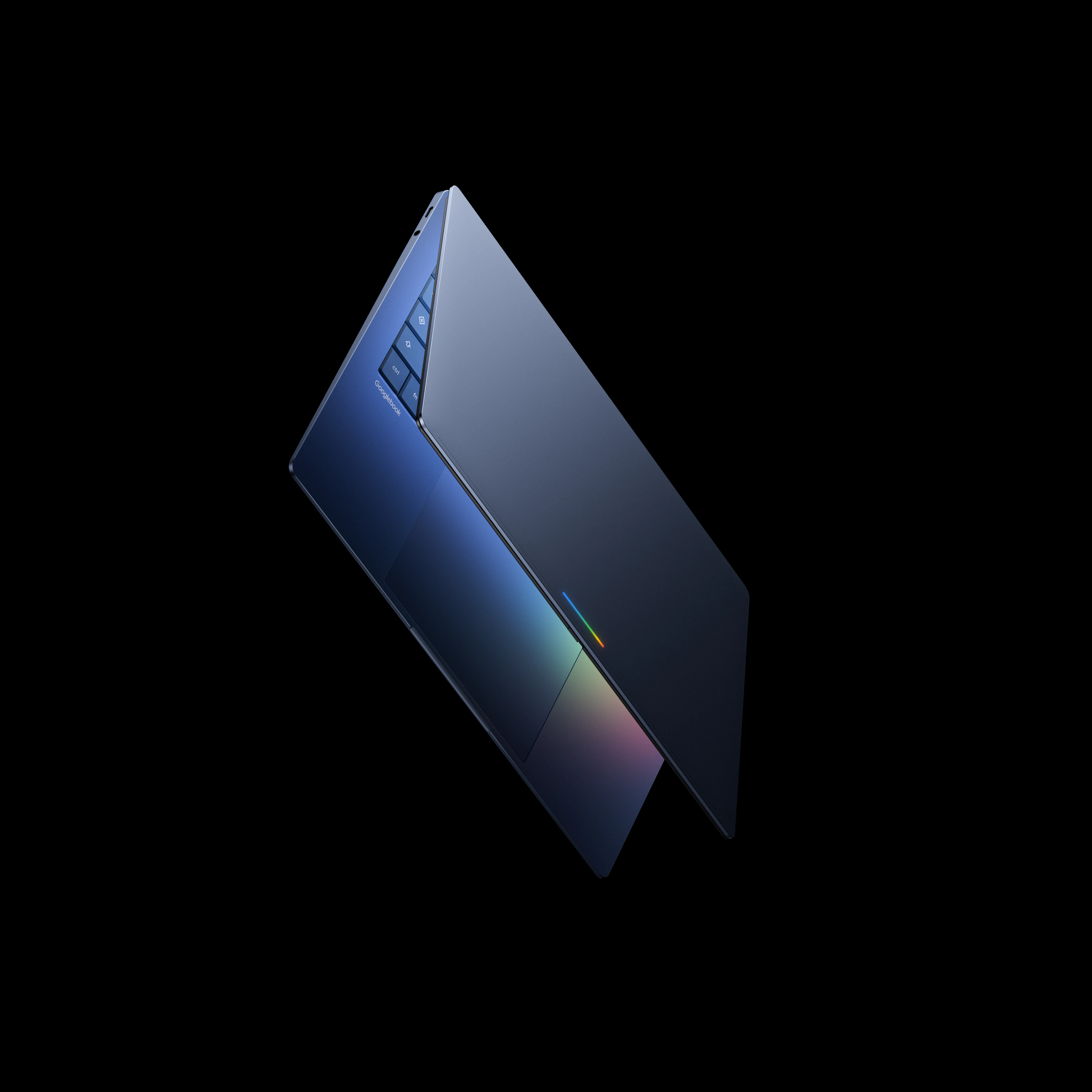
Product Introduction
- Definition: The Googlebook is a new category of AI-native laptop engineered and optimized from the hardware level up for Google's Gemini artificial intelligence. It represents a significant shift from traditional laptops, positioning itself as a dedicated AI hardware platform.
- Core Value Proposition: It exists to seamlessly integrate advanced, on-device and cloud-powered Gemini AI directly into the core laptop user experience. The primary value is moving beyond raw processing specs (CPU/GPU) to prioritize "AI intelligence as the new spec," enabling contextual, proactive, and personalized assistance for productivity and task management.
Main Features
- Magic Pointer: This is a core system-level AI interaction feature. Technically, it is a context-aware selection and invocation tool. How it works: A user can highlight or select any text, image, or UI element on the screen. The system uses on-device Gemini Nano models to understand the context of the selection and instantly surfaces relevant Gemini-powered actions, such as asking for explanations, comparing items, or generating new content based on the selection. This eliminates the need to manually copy, open a separate AI chat window, or rephrase queries.
- Create My Widget: A dynamic, AI-powered widget creation system. How it works: Users can instruct Gemini via natural language to build a custom desktop widget tailored to their specific workflow needs (e.g., "Show my calendar, today's headlines, and a project task list"). The feature leverages Gemini's multimodal understanding to interpret the request and assemble data from permitted applications and web services into a unified, glanceable interface component, reducing the need to switch between multiple apps.
- Android Phone Integration (Cast My Apps & Quick Access): This feature utilizes Google's deep ecosystem integration. Cast My Apps works by leveraging a direct, low-latency connection (likely using Google's Nearby Share and Cast protocols) to stream the live view of an Android phone app directly to the Googlebook desktop, functioning as a window without requiring a separate laptop installation. Quick Access uses secure, encrypted synchronization (building upon Google's existing Android-to-ChromeOS file sharing) to make a user's phone files appear in the laptop's file explorer with minimal latency, as if they are stored locally.
Problems Solved
- Pain Point: Fragmented and interruptive workflow. Traditional laptops require users to constantly switch between applications, manually search for information, and manage tasks across disparate tools, leading to context switching and productivity loss.
- Target Audience: Knowledge Workers & Multitaskers: Professionals like project managers, researchers, writers, and analysts who juggle multiple information streams. Android-Centric Users: Individuals deeply invested in the Android/Google ecosystem seeking a unified cross-device experience. Early AI Adopters: Tech-savvy users who actively seek to leverage AI for daily tasks beyond simple chatbots.
- Use Cases: Research & Synthesis: Using Magic Pointer to instantly compare product specs from different web pages or summarize long articles. Personalized Workspace Setup: A project manager verbally instructing Gemini to "Create a widget with our team's sprint board, current bug count, and active Slack channel." Seamless Mobility: Starting work on a document on an Android phone during a commute and instantly accessing the latest version from the laptop's file system via Quick Access upon arriving at the desk.
Unique Advantages
- Differentiation: Unlike conventional laptops (Dell XPS, MacBook Pro) where AI is a secondary feature or an app, the Googlebook is architecturally designed for AI as the primary interface. Compared to other AI PCs (like some Windows Copilot+ PCs), its deep, system-level integration of Gemini across the pointer, widget system, and Android ecosystem offers a more cohesive and native experience.
- Key Innovation: The system-level, context-aware AI invocation model (Magic Pointer). Moving AI interaction from a dedicated chat box or keyboard shortcut to a universal selection-based model is a paradigm shift. It embeds AI directly into the user's existing point-of-interest, making it more intuitive and less disruptive than current implementations.
Frequently Asked Questions (FAQ)
- When will the Googlebook laptop be released? The Googlebook is officially scheduled for release in the fall of 2026. Prospective buyers can sign up for notifications on the official googlebook.com website.
- What are the hardware specifications and price of the Googlebook? As this is a pre-launch preview, Google has not yet released detailed hardware specifications (such as processor, RAM, storage, display) or pricing information for the Googlebook lineup. These details are expected closer to the fall 2026 launch.
- Do I need an internet connection to use the Googlebook's AI features? Core contextual features like the Magic Pointer leverage on-device Gemini Nano models for instant, privacy-preserving processing. However, for more complex tasks requiring greater reasoning or data synthesis, an internet connection to access more powerful cloud-based Gemini models will be required, as indicated in the product footnotes.
- Which Android phones are compatible with the Googlebook's integration features? For full Cast My Apps and Quick Access functionality, a phone running Android 17 or a later version of the operating system will be required, as specified in the product information.


