Product Introduction
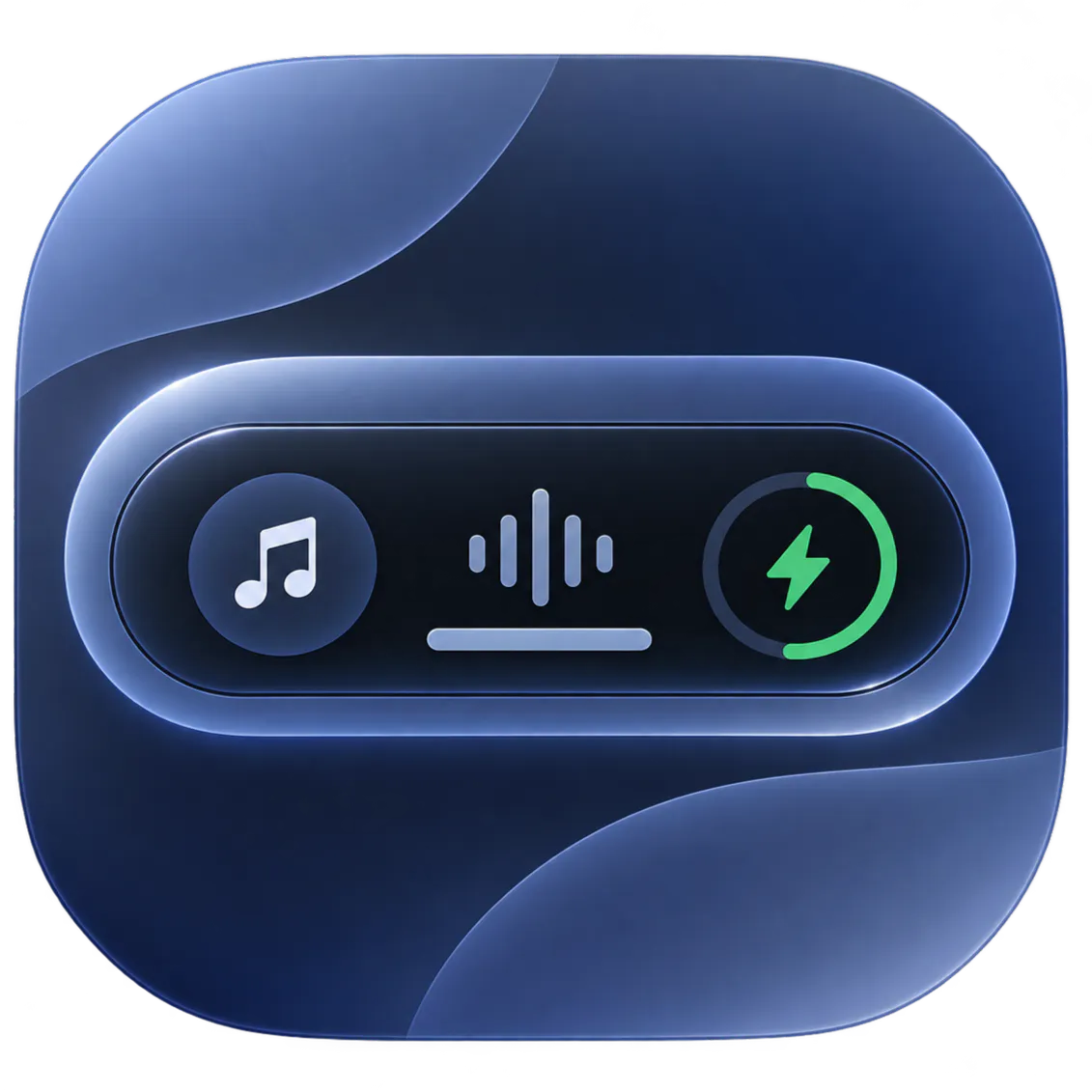
- Definition: Dynamic Edge is a native Windows utility software categorized under desktop customization and productivity enhancements. Developed using WinUI 3 and the Windows App SDK, it brings a customizable, floating, hardware-accelerated "Dynamic Island" and utility blade interface to Windows 10 and Windows 11 operating systems without relying on resource-heavy web frameworks like Electron.
- Core Value Proposition: The software exists to bridge the gap between macOS-style contextual UI design and Windows desktop environments. By integrating system-level media controls, master volume flyouts, quick-launch application slots, and smart notification management into a zero-distraction floating capsule, Dynamic Edge optimizes user workflow, reduces context-switching, and modernizes the overall Windows interface experience.
Main Features
- Universal Media Controls & Live Scrubbing: Powered by direct integration with Windows System Media Transport Controls (SMTC), this feature supports major media sources including Spotify, Apple Music, VLC, and browsers like Chrome, Edge, Firefox, and Brave. It features an interactive, real-time seek slider for zero-latency track scrubbing, album artwork rendering with single-click player focus, and a multi-session switcher to cycle through active audio and video streams seamlessly.
- Dual Docking Architecture & Spring Physics Engine: Users can position the interface using "Top Island Mode" (centered pill or notch styling) or "Side Blade Mode" (docked to the left or right screen border). The UI is driven by a sub-pixel spring physics engine that delivers smooth, organic elasticity, configurable dwell triggers, auto-collapse timers, and zero-flutter deadband buffers across single and multi-monitor setups.
- Master Volume Flyout & Mouse Wheel Scrubbing: This feature replaces the native Windows volume interface with a modern Control Center pop-up offering precise percentage readouts, hardware mute toggles, and direct mouse-wheel scrubbing. By hovering the cursor over the speaker icon and rolling the mouse wheel, users can adjust master audio levels instantly.
- Smart Quiet Feed Mode: An intelligent background filtering system that automatically suppresses repetitive, distracting notification popups and visual clutter when users are actively consuming short-form video content across platforms like YouTube Shorts, Instagram Reels, and TikTok.
- Customizable Quick App Launchers: Dedicated, user-configurable 1-click launcher slots embedded directly within the capsule interface, allowing instant access to frequently used desktop applications, command-line terminals, or system directories.
Problems Solved
- Pain Point: Windows users frequently suffer from context-switching fatigue, having to minimize full-screen workflows or navigate buried system trays simply to change media tracks, adjust master volumes, or launch pinned applications. Traditional third-party customization tools also tend to be bloated, insecure, or heavily reliant on resource-heavy runtimes like Electron.
- Target Audience: Power users, multi-monitor productivity workers, software developers, aesthetic desktop customizers (such as Rainmeter or WindowBlinds enthusiasts), and media consumers utilizing Windows 10 or Windows 11.
- Use Cases: Managing background music playback while running full-screen games or coding IDEs; quickly adjusting audio levels across multiple open media streams without clicking the Windows taskbar; reducing notification distractions during media consumption; and executing rapid-launch shortcuts on secondary monitors.
Unique Advantages
- Strengths & Limitations (Pros & Cons):
- Pros: Built natively with WinUI 3 for high performance and minimal memory overhead; operates 100% offline with zero telemetry or data collection; features a responsive sub-pixel physics engine; supports multi-monitor docking and global hotkeys/Magic Shake.
- Cons: Limited to Windows 10 and 11 environments; quick app launcher slots are capped at three in the current configuration; relies on Windows SMTC compatibility for media player tracking.
- Key Alternatives & Differentiation:
- Rainmeter: Highly customizable desktop widget framework, but requires complex manual skin scripting and lacks out-of-the-box modern dynamic island interactions.
- TaskbarX / RoundedTB: Excellent for Windows taskbar styling and centering, but restricted strictly to taskbar modifications rather than offering a floating, multi-functional utility blade or dynamic island experience.
- Dynamic Edge Advantage: Combines system-wide media scrubbing, volume management, and productivity widgets into a single lightweight, GPU-accelerated WinUI 3 package that matches native Fluent Design guidelines.
Frequently Asked Questions (FAQ)
- Is Dynamic Edge resource-heavy on Windows? No. Because Dynamic Edge is built natively using WinUI 3 and the Windows App SDK without Electron overhead, it operates with minimal CPU and RAM consumption, running efficiently even on lower-spec hardware.
- Does Dynamic Edge collect user telemetry or require internet access? No. Dynamic Edge operates 100% offline and features zero data collection, zero telemetry, and complete local privacy compliance.
- Which media players are compatible with Dynamic Edge's media controls? Any application that integrates with Windows System Media Transport Controls (SMTC) is supported, including Spotify, Apple Music, VLC, Windows Media Player, and web browsers like Google Chrome, Microsoft Edge, Mozilla Firefox, and Brave.
- Can I use Dynamic Edge across multiple monitors? Yes, Dynamic Edge supports multi-monitor configurations, allowing you to dock the floating island or side blade to your preferred screen edge and summon it instantly using global hotkeys or Magic Shake.