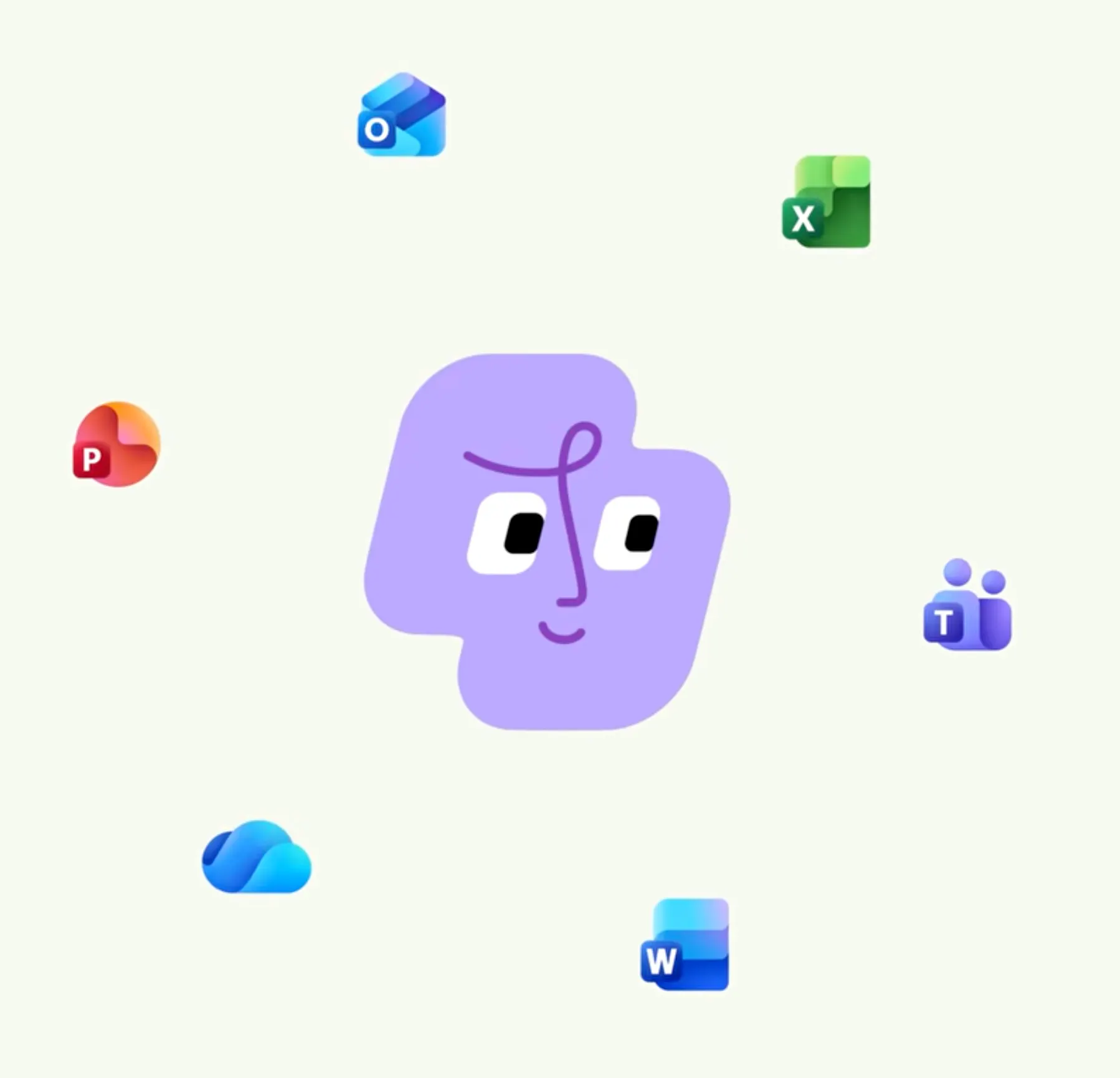
Product Introduction
- Definition: Microsoft Copilot is an enterprise-grade AI productivity platform and intelligent agent system. Technically, it is a suite of AI-powered capabilities integrated into the Microsoft 365 ecosystem, leveraging large language models (LLMs) and proprietary Work IQ technology to understand and act upon organizational data and workflows.
- Core Value Proposition: It exists to transform raw information into finished work. Unlike standalone chatbots, Microsoft Copilot is designed to create, summarize, analyze, and automate tasks directly within the applications where work happens (Word, Excel, Teams, etc.), moving beyond providing answers to generating actionable, context-aware outputs.
Main Features
- Work IQ & Contextual Grounding: This is the foundational technology that differentiates Copilot. Work IQ is a proprietary system that builds a semantic understanding of an organization—its people, roles, projects, and content. It grounds Copilot's responses in the user's specific work context, ensuring outputs are relevant, secure, and based on approved company data, not just public internet information.
- Multi-Model Orchestration & Autopilot: Copilot is not tied to a single AI model. It utilizes a blend of leading models (like OpenAI's GPT-4) and Microsoft's own models. The "Auto" feature intelligently routes user requests to the optimal model based on task complexity, accuracy needs, and cost. Looking ahead, Autopilot acts as a persistent, cloud-hosted agent that can perform multi-step tasks in the background based on user-defined goals and organizational guardrails.
- Copilot Studio & Agent Builder: This feature allows for extensibility and customization. Users can build custom, work-grounded AI agents using natural language prompts via Agent Builder. For advanced scaling and management, Copilot Studio provides a low-code interface to design, deploy, and manage these agents, connect to external data via connectors, and define complex business processes and automations.
- App Integrations (Chat, Cowork, Code): Copilot manifests in three primary interfaces within its "Home." Chat provides conversational Q&A grounded in work data. Cowork handles complex, multi-step tasks across applications (e.g., "create a project plan based on last quarter's sales data"). Code (in Frontier program) allows users to describe software, dashboards, or trackers in natural language, which Copilot then builds using generated code.
Problems Solved
- Pain Point: Context switching and productivity fragmentation. Users waste time manually gathering data from emails, documents, and chats to complete tasks.
- Target Audience: Enterprise Knowledge Workers (analysts, managers, consultants), Business Teams (sales, marketing, HR), Developers & IT Pros building custom solutions, and Individuals seeking productivity gains within the Microsoft 365 suite.
- Use Cases:
- Strategic Analysis: A financial analyst asks Copilot in Excel to "analyze Q3 sales trends, forecast Q4, and create a presentation deck with key insights," pulling data from SharePoint and generating slides in PowerPoint.
- Meeting Synthesis: After a Teams meeting, a project manager uses Copilot to generate meeting notes, extract action items, and assign them to individuals in Planner, all automatically.
- Custom Agent Creation: An HR manager uses Agent Builder to create a "New Hire Onboarding Agent" that answers policy questions, guides new employees through setup tasks, and populates necessary forms using data from HR systems.
Unique Advantages
- Differentiation: Versus generic AI chatbots (ChatGPT, Gemini), Copilot's key advantage is deep integration with the Microsoft 365 productivity graph and enterprise security model. Versus other enterprise AI tools, its advantage is the seamless, native experience within Word, Excel, Outlook, and Teams, requiring no tab-switching.
- Key Innovation: The Work IQ system is the core innovation. It moves AI from being a general-purpose tool to a company-specific "expert" that understands organizational structure, relationships, and content. Combined with multi-model orchestration (Auto) and the agent framework (Autopilot, Copilot Studio), it creates a unified, adaptive AI fabric for the entire organization, not just individual task completion.
Frequently Asked Questions (FAQ)
- How is Microsoft Copilot different from GitHub Copilot? Microsoft Copilot is a broad AI productivity assistant for general business tasks across the Microsoft 365 suite (Word, Excel, email, meetings). GitHub Copilot is a specialized AI pair programmer that suggests code and functions within development environments like Visual Studio Code. They serve entirely different user bases and purposes.
- Is my company data safe with Microsoft Copilot? Yes, when using the commercial versions (Copilot for Business/Enterprise). It is built on Microsoft's enterprise-grade security, compliance, and privacy foundations. Your prompts, data, and outputs are not used to train the underlying public AI models. Access is governed by your existing Microsoft 365 permissions and audit logs.
- What is the difference between Copilot for Microsoft 365 and Copilot Pro? Copilot for Microsoft 365 (priced per user/month) is the full enterprise version with Work IQ, integration across all Microsoft 365 apps, commercial data protection, and Copilot Studio for building agents. Copilot Pro is a consumer/subscription plan for individuals, offering enhanced AI features in Microsoft 365 apps but without the enterprise security, governance, and deep organizational grounding.
- Do I need a Microsoft 365 subscription to use Copilot? For the core, integrated experience in Word, Excel, PowerPoint, Outlook, and Teams, yes, a Microsoft 365 subscription (Business or Enterprise) is required. There is also a standalone "Copilot" web and app experience with limited, non-grounded capabilities.
- What is "Copilot with Commercial Data Protection"? This is the security model for Copilot for Business and Enterprise. It ensures your organizational data never leaves your compliant Microsoft 365 tenant boundary. Copilot's responses are grounded in your content but the underlying AI model processing is done in a protected manner that does not retain your data or use it for model training.