
Meetings Tools
144 best Meetings tools and apps, curated and ranked by community upvotes on ProductCool. Updated daily as new Meetings products launch.

Oats is an AI meeting note-taking tool that is completely open, local, and free. Designed to not get in the way of your meetings, no bots, no subscription needed when running locally with on-device LLM. Available on both macOS and Windows. Enhanced transcription, multi-language support, speaker recognition, assessment, coaching, auto-tracking follow ups and more features via ariso.ai cloud backend.

Epilude records meetings on your Mac with no bot in the call, then writes the transcript, summary, and action items. Notes save as Markdown files you own.

The tools Claude is missing: track time, sign contracts, send invoices, get paid. Free MCP connector for Claude, Claude Code, and any agent.

Speechmark is a private macOS meeting-notes app. It records, transcribes, and summarizes meetings entirely on your Mac — decisions, action items, speaker-attributed transcripts. No bot joins the call, no account, one-time price. Integrates well with Claude Code using MCP server.

Savvy is a macOS meeting assistant grounded in your own documents, not the open web. Point it at a folder and it builds a versioned brief per client. In the meeting it stays quiet, then speaks up for exactly three reasons: they asked a question your brief answers, someone crossed a red line you set, or you pressed Advice. Every card cites its source. Documents, indexes and transcripts stay on your Mac; only excerpts and the audio stream leave. Apple Silicon, macOS 13+. Open source, MIT.

Solving the three biggest pain points in meeting software: privacy, friction, and cost. By running speech-to-text entirely on-device, your confidential discussions never leave your hardware, ensuring total data privacy. It operates invisibly without sending an awkward bot into your attendee list, capturing system audio directly across Zoom, Google Meet, and Microsoft Teams.

Meet Calendly Notetaker and Callie AI assistant: two new AI products built to handle the work before, during, and after meetings. Meetings are essential, but the work around them adds up fast. 😅 That's why we're launching an evolved Calendly. One that handles not just scheduling, but all of the work before, during, and after your meetings, so you can focus on what matters.
Agent-first infrastructure for meetings. One API to capture 50+ real-time data points from Zoom, Google Meet, and Teams, with built-in voice infrastructure so your agent joins as a participant, listens, speaks, and acts while the call is happening.
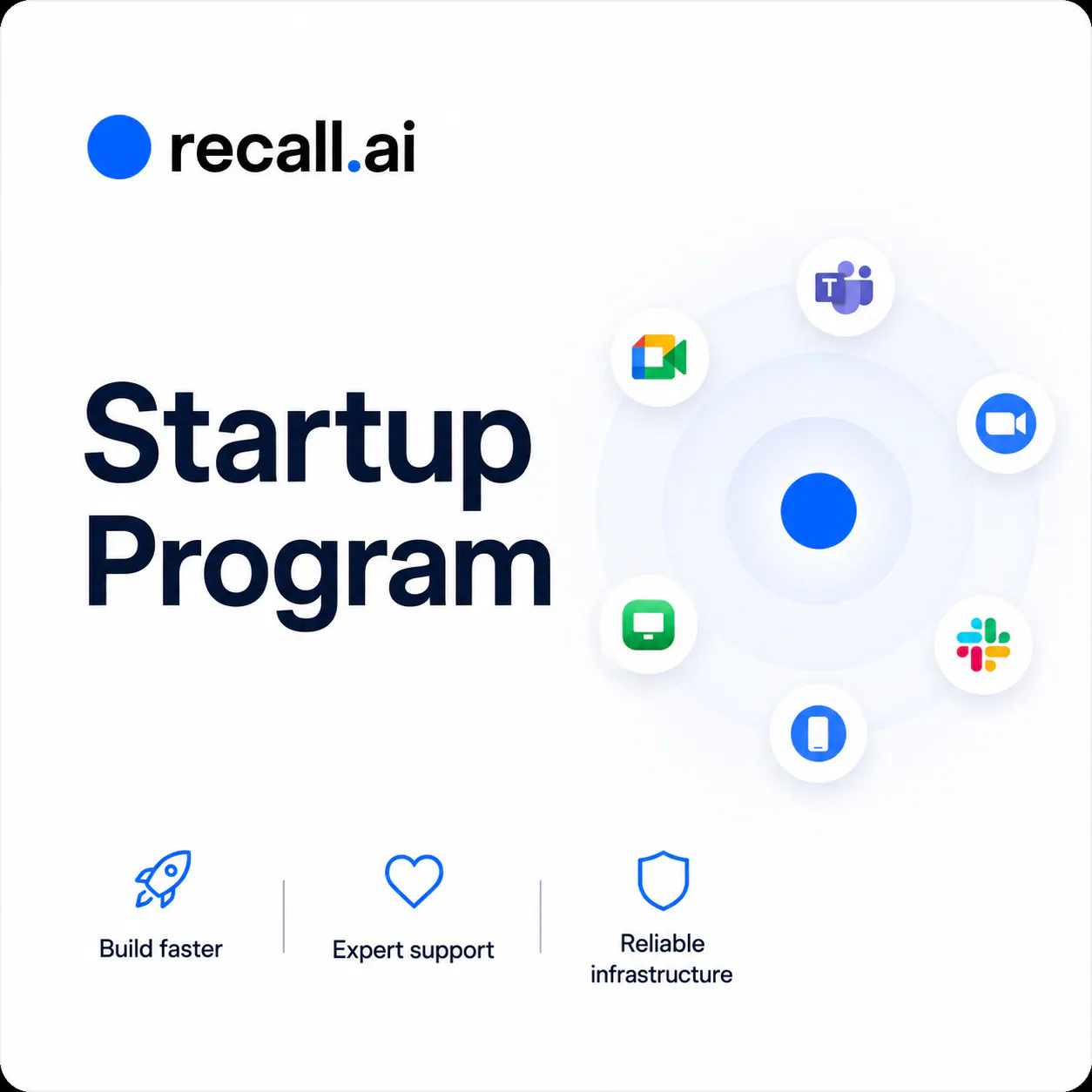
The Recall.ai Startup Program gives early-stage teams reliable meeting recording infrastructure at $0.25/hour for their first 10,000 hours, plus engineer support, fast bot joins, every recording product, MCP access, and calendar integration.
Notetakers remember the meeting. min. remembers the person. min. sits in your inbox and on your calls (botless) and builds a digital version of everyone you work with. Ask your customer's version how to close the deal. Share the whole relationship with your team as a single link. Every email and meeting becomes your unfair advantage. Free to use, two minute setup, zero data entry.

Continuum is a private Mac app for managers. You write down what you believe about each person you lead, tag what you notice in your 1:1s, and let your read change on the record. No scores, no reports, nothing that leaves your Mac.

A card-thin AI voice recorder. Press once, and every meeting turns itself into notes, saved straight into your SecondBrain. You just listen. Always with you — just 2.95 mm thin and 26 g light, it slips into your card holder and onto your phone. Never miss a word — it picks up voices from over 5 meters away and records up to 35 hours. Your conversations stay yours — enterprise-grade security, certified SOC 2 Type II and ISO 27001.

Your follow-ups are only as good as your meeting notes. Wispr Notetaker gets your words and your speakers right, so your recaps, follow-ups, and answers are too. Before the meeting starts, it checks the invite so names are spelled correctly, and it brings the terminology you've already taught Wispr Flow into every conversation. Your transcripts use real names instead of "Speaker 1" and "Speaker 2," and every meeting is ready to pull into Claude or ChatGPT via MCP. Available on Mac. Free to try.

Your team shouldn't need five tabs to plan work and talk about it. Tixio 3.0 lets you start meetings straight from Chat — no new tool, no tab switching. Discuss projects alongside built-in sprint reports and time tracking, so nothing gets lost between apps. We don't replace your stack. We take the best of each and bundle tasks, chat, docs & meetings into one workspace. $2.30/seat/mo · 14-day free trial · No card needed.

Every meeting recorder ships your audio to the cloud and bills you monthly. yapyap does neither. It records, transcribes, names your speakers, and turns talk into summaries and action items entirely on your own machine. “Lenses” reshape each recording into whatever you need: a summary, a to-do list, or a decision log. You can install more or build your own. Prefer the cloud? Optionally connect any major provider: OpenAI, Anthropic, Groq. Either way, yapyap is yours forever. No subscription.

The person on your next video call might not be real. With Halo you don't have to guess. Halo secures your Zoom, Teams, or Google Meet call live and flags synthetic faces the moment it detects one, entirely on your device. Deepfake video calls are already being used to scam people and businesses around the world, it's just that most people have no way to tell. From confirming who you're hiring to confirming who you're wiring money to, Halo catches it before it costs you.

Sorinai is an interactive AI notepad that fills out your meeting notes along with you. Drop in the template you already use, Word, PDF or plain text, and it reads the structure and fills every field from the call. No bot joins your meeting; it captures your computer's audio, so video calls, phone calls and in-person all work. Ask it what to say next while you're still on the call, then query one meeting or all of them at once. Mac and Windows. Unlimited notes, free.

Note-takers can't dictate. Dictation apps can't run your meetings. Laxis does both — record and summarize meetings bot-free, then dictate emails and notes faster than you type. Live transcription and translation in 100+ languages. Trusted by 100,000+ professionals.

Most AI notetakers hand you a transcript with a summary bolted on 💅 Tackly maps what you say into one of 20 nodes, live and in realtime — from meetings, solo voice notes, or a pasted transcript — so you get structure you can always come back to, not just silly old black and white text. I struggle with ADHD on a day-to-day and this has made me feel a ton more productive, I never lose my thoughts. AI notetakers are boring, tackle them with Tackly. Try it for free at tackly.co
Speechius listens to your voice and scrolls your script for you - speed up, slow down, go off-script, it keeps pace. No foot pedal, no fixed speed to chase. It works live in any tool - real webinars, Zoom, Meet, Teams, OBS - and stays hidden on screen-share. Fully on-device (private). One-time price, no subscription. macOS & Windows.

Mufal is a bot-free AI copilot that helps during live meetings—not only afterward. Get live transcription, contextual answers, an undetectable overlay during screen sharing, automatic notes, action items, and durable project memory. It works out of the box with Mufal-managed AI, while advanced users can bring their own API keys. Available on macOS, Windows, and iOS, with a free plan and optional cloud sync.