
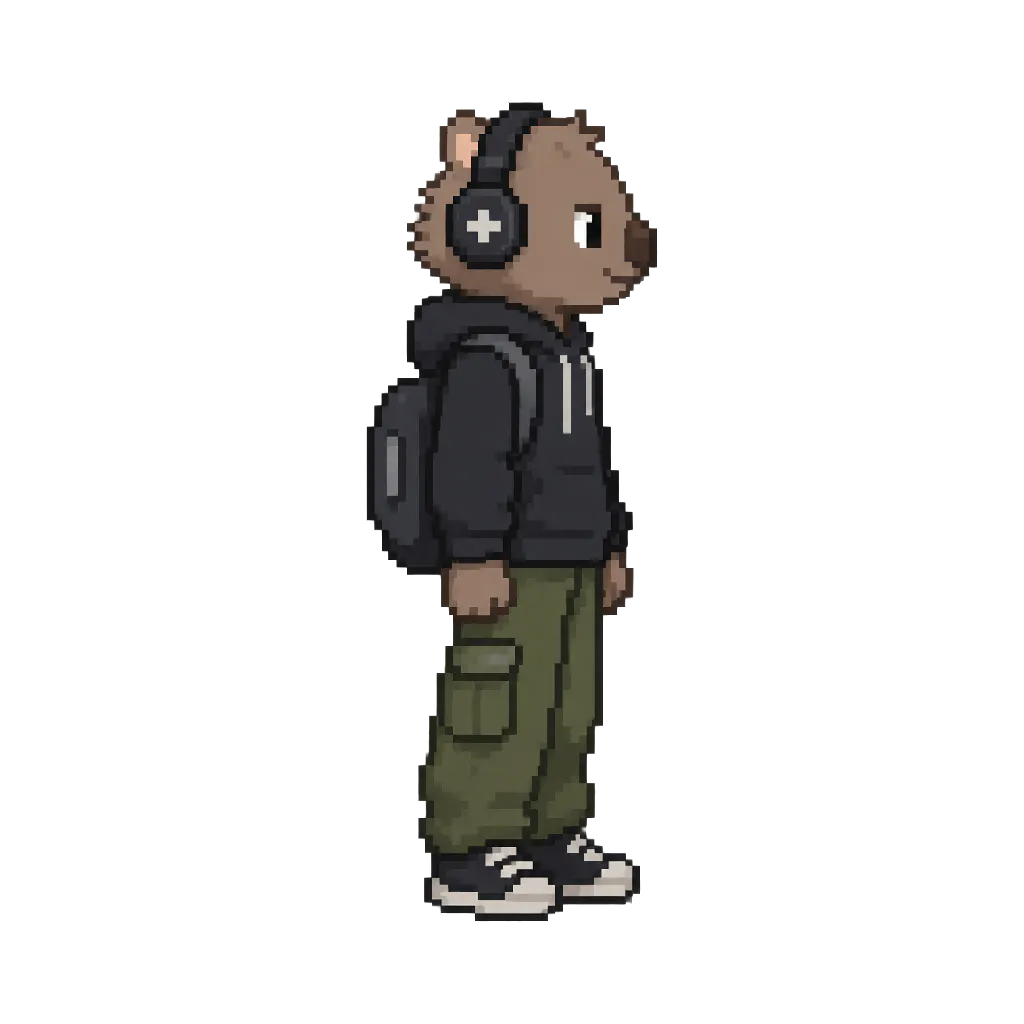
Product Introduction
- Definition: Wombo is an AI-powered game asset generation tool, specifically a desktop application built with Node.js and Vite. It is a technical solution for automating the creation of 2D sprite animations, character reference sheets, and sound effects for video game development.
- Core Value Proposition: It exists to drastically reduce the time, cost, and technical skill barrier required to produce professional-grade, animation-ready 2D game assets. By leveraging multiple AI models, it automates the entire pipeline from text prompt to final, aligned spritesheet.
Main Features
- Multi-Angle Character Generation: Users input a text description, and the tool generates visually consistent front, side, and back views of a character. This is crucial for creating coherent animations from different angles. Under the hood, it uses AI image generation models (via OpenRouter) to create these aligned reference images, forming the basis for all subsequent animations.
- AI-Driven Sprite Animation with Chroma Keying: The core animation feature takes a character and a motion prompt (e.g., "walking," "casting a spell") to generate a video sequence. It then uses
ffmpegto extract individual frames, applies chroma keying (green screen removal) to isolate the character, and resizes/aligns the frames into a perfectly formatted spritesheet. This results in a transparent PNG spritesheet ready for immediate use in game engines like Unity or Godot. - Native Aseprite Export: Beyond standard PNGs, Wombo exports animation data in the
.asepritefile format. This allows artists and developers to open the generated sprites directly in the popular pixel art tool Aseprite for fine-tuning, editing layers, or adjusting timing without starting from scratch. - AI Sound & SFX Generation: The tool integrates with ElevenLabs' AI audio API to generate custom sound effects and music tracks from text prompts. This creates a unified workflow for generating both visual and auditory assets within the same project environment.
- Project-Based Local Storage: All generated assets are managed within local project files stored in
~/.ai-game-studio/. This system keeps a manifest (.projectfile) and organizes assets (sprites, music) with revision history, allowing users to save, open, and version their game asset projects offline.
Problems Solved
- Pain Point: Traditional 2D sprite animation is labor-intensive, requiring frame-by-frame drawing or complex 3D rigging and rendering. Hiring artists is expensive, and finding assets that match a game's specific style is challenging.
- Target Audience: Indie game developers, solo developers, game jammers, prototype artists, and small studios without dedicated art teams. It's also valuable for concept artists needing rapid visual prototypes.
- Use Cases: Rapid prototyping of game characters and animations; generating consistent asset packs for indie games; creating placeholder art during early development; producing a large variety of enemy sprites or NPCs; quickly generating SFX for specific game actions.
Unique Advantages
- Differentiation: Unlike generic AI image generators, Wombo is a specialized pipeline tool. It doesn't just create a single image; it automates the entire technical process of creating a game-ready asset, including alignment, chroma keying, spritesheet assembly, and professional software (Aseprite) export. Competitors are often manual services or general-purpose AI tools that lack this integrated, game-dev-specific workflow.
- Key Innovation: Its integration of multiple AI services (GPT for prompting, image generation via OpenRouter, video generation via MiniMax H3, audio via ElevenLabs) into a single, cohesive desktop application with a local project system. The automated alignment of multi-angle views and the subsequent video-to-spritesheet processing chain represents a significant technical innovation for asset creation.
Frequently Asked Questions (FAQ)
- What AI models does Wombo use for generating game sprites? Wombo acts as a middleware, utilizing the OpenRouter API to access various state-of-the-art image and video generation AI models (like DALL-E, Stable Diffusion, and MiniMax H3) based on the user's prompt, then processes the output with
ffmpegto create the final spritesheet. - Can I edit the sprites generated by Wombo AI? Yes, absolutely. A key feature is the native export to Aseprite files. You can open these files directly in Aseprite to edit individual frames, change colors, adjust animation speed, or add details, giving you full creative control over the AI-generated base.
- Is Wombo a cloud service or a local application? Wombo is primarily a local desktop application that you run via Node.js. Your projects and generated assets are stored locally on your machine, ensuring privacy and offline access. It makes API calls to external AI services (OpenRouter, ElevenLabs) for generation, but the asset processing and management happen on your computer.
- What do I need to install to run the Wombo game asset generator? You need Node.js (version 20 or higher) installed on your system, and
ffmpegmust be available on your system PATH for video and image processing. You also need API keys for OpenRouter (for images/animations) and/or ElevenLabs (for sounds). - How does Wombo handle character consistency across different angles and animations? The tool is designed to generate aligned front, side, and back views from a single prompt using consistent AI model parameters. This foundational consistency allows subsequent animation prompts to produce motion that aligns correctly with these base views, maintaining character proportions and style across the generated asset set.


