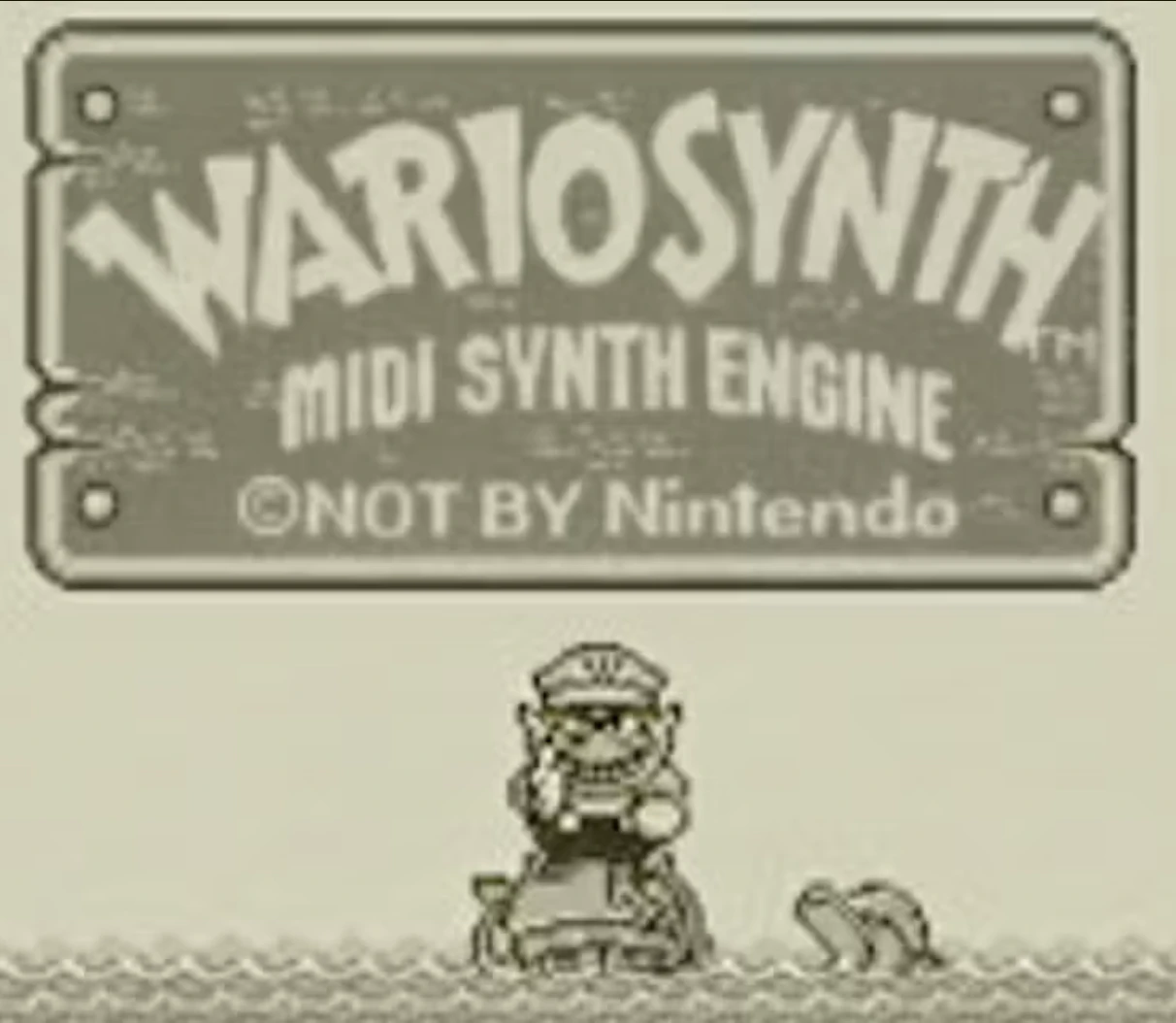
Product Introduction
Definition: Wario Synth is a client-side web application and browser-based chiptune synthesizer that converts standard MIDI files into authentic Game Boy-style audio in real-time. It falls under the category of music production software and audio synthesis tools, specifically for 8-bit or retro sound emulation.
Core Value Proposition: Wario Synth exists to provide instant, accessible, and authentic retro video game sound synthesis for any song. Its primary value is transforming modern music into a nostalgic 4-channel Game Boy chiptune format directly within a web browser, eliminating the need for complex digital audio workstations (DAW) or dedicated chiptune software. It serves as a powerful MIDI to 8-bit converter and online chiptune maker.
Main Features
- Authentic Game Boy 4-Channel Synthesis Engine: The core technology is the Wario Synthesis Engine, which analytically maps the musical data from a MIDI file to four distinct sound channels: two pulse (square) waves for melody and harmony, one wave channel for bass, and one noise channel for percussion. This mimics the hardware limitations and iconic sound of the original Nintendo Game Boy. The synthesis is performed in real-time using the Web Audio API, with oscillators tuned specifically to replicate the console's sound chip.
- Hybrid Online Search and Local Upload System: The tool offers a dual-input approach. Users can perform a direct MIDI file search powered by the BitMidi database to instantly locate classic songs. Alternatively, it supports local MIDI file upload (.mid/.midi), allowing users to convert any personal or custom composition. All processing is 100% client-side, meaning uploaded files are parsed in the browser and never transmitted to a server, ensuring privacy and speed.
- Instant Export and Sharing Capabilities: After generating a track, users can immediately export the result as a WAV audio file or a resynthesized MIDI file. For tracks sourced from online searches, the application generates a short, shareable link (wario.style/play) with a dynamic preview, enabling easy sharing on social platforms like X (Twitter). This feature transforms the tool into a chiptune music generator and sharer.
Problems Solved
- Pain Point: The traditional process of creating authentic chiptune music is technically complex, requiring knowledge of trackers, specific DAW plugins, or sound programming. Wario Synth solves the high barrier to entry for retro sound synthesis, making chiptune creation instantaneous and accessible to anyone with a browser.
- Target Audience: The product caters to a diverse group: retro game enthusiasts and chiptune hobbyists seeking quick conversions; music producers and content creators needing unique, nostalgic audio elements for videos, streams, or podcasts; web developers and designers looking for a fun, interactive web demo of the Web Audio API; and casual users wanting to hear their favorite songs in a novel 8-bit style.
- Use Cases: Essential for quickly generating retro-style background music for indie game prototypes or game jams. Ideal for creating unique ringtones or notification sounds from popular songs. Useful for educational purposes to demonstrate MIDI structure and basic synthesis concepts. Perfect for social media content creation, where sharing a 15-second 8-bit version of a viral song can drive engagement.
Unique Advantages
- Differentiation: Unlike traditional DAW plugins or dedicated chiptune software like Famitracker, Wario Synth requires zero installation, configuration, or learning curve. It runs instantly in a browser, offering a "type-and-generate" workflow. Compared to other online MIDI converters, its key differentiator is the dedicated, authentic Game Boy emulation rather than a generic 8-bit or low-quality MIDI playback.
- Key Innovation: The primary innovation is the fully client-side, real-time synthesis pipeline. By leveraging the Web Audio API's low-latency capabilities, it performs channel mapping and synthesis entirely within the user's browser, ensuring fast performance, offline functionality for local files, and a privacy-preserving model. This approach turns a standard web page into a powerful, interactive chiptune synthesizer.
Frequently Asked Questions (FAQ)
- What is the best way to convert a song to a Game Boy version using Wario Synth? The most direct method is to use the Search function to look up your song's title. Select a MIDI source from the results—different sources may yield varying audio quality—and click "Generate." The Wario Synthesis Engine will automatically map the MIDI to the 4-channel Game Boy sound. For the best results, try multiple sources or upload a clean, well-structured MIDI file of the song.
- Why can't I share the chiptune I made from an uploaded MIDI file? This is a privacy and technical feature. Share links require the original MIDI file to be hosted on an accessible online URL. When you upload a MIDI file, it is processed locally on your device and is not stored on any server. Therefore, there is no URL to link to. You can still play, generate, and export the WAV or MIDI file to your device for personal use.
- How do I fix the "Enable Audio" prompt and no sound on my iPhone or iPad? This is an Apple security feature that prevents websites from auto-playing audio. To proceed, simply tap the "Enable Audio" button once. If sound is still absent, ensure your device's physical ringer switch is not set to silent, the volume is turned up, and no Focus mode (like Do Not Disturb) is blocking media audio.
- Is the software free to use for commercial projects like game music? Yes, Wario Synth is described as a non-commercial project for fun. The tool itself is free to use. However, the copyright status of the original MIDI files you search for or upload, and thus the resulting audio, is a separate legal consideration. The generated 8-bit synthesis is a new performance, but you should ensure you have rights to the underlying composition for any commercial use.