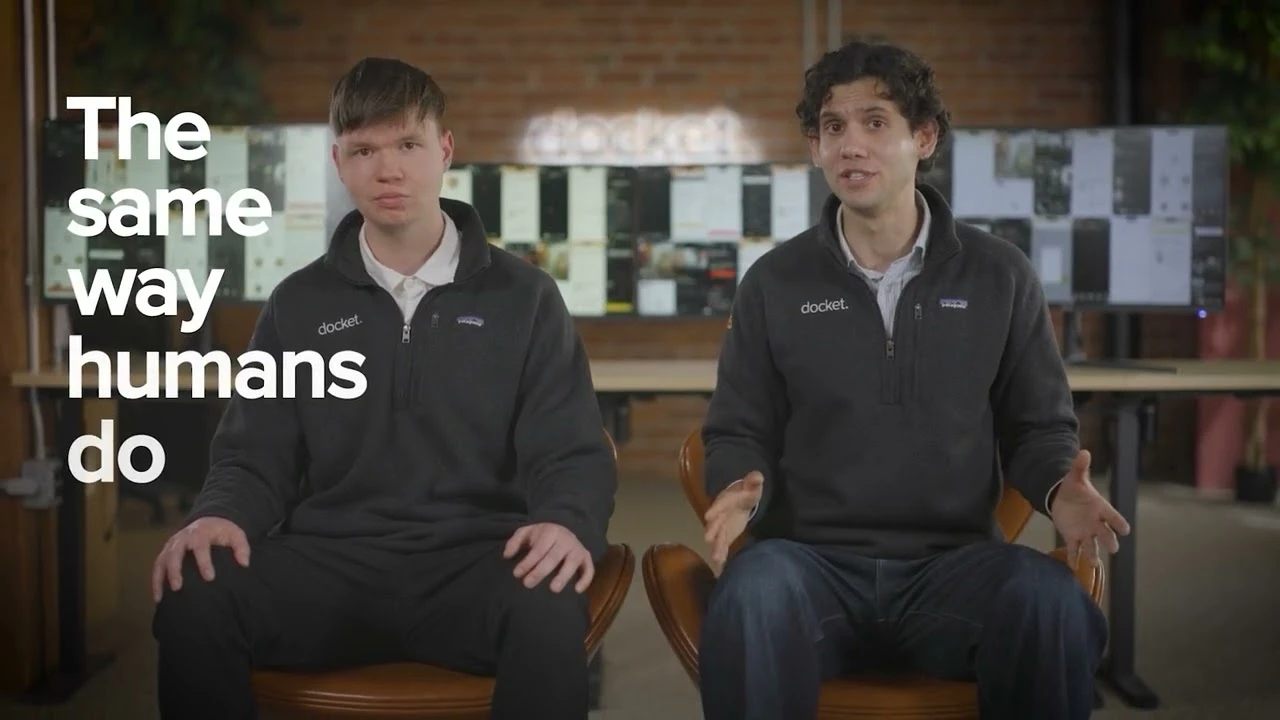
Product Introduction
Definition: Docket is an AI-driven, vision-first end-to-end (E2E) testing platform designed for comprehensive quality assurance across web, iOS, Android, and desktop environments. As a Y-Combinator-backed solution, it functions as an autonomous QA engine that utilizes coordinate-based automation rather than traditional DOM selectors to execute and maintain test suites.
Core Value Proposition: Docket exists to eliminate the "flakiness" and high maintenance costs associated with traditional script-based testing tools like Selenium or Cypress. By leveraging vision-first automation and self-healing algorithms, Docket enables engineering teams to scale test coverage, achieve faster release cycles, and reduce the manual overhead of updating selectors when UI elements shift. It bridges the gap between manual exploratory testing and automated regression by mimicking human interaction through coordinate-based precision.
Main Features
Vision-First Coordinate-Based Automation: Unlike traditional tools that rely on brittle CSS selectors or XPaths, Docket automates interactions using exact (X,Y) coordinates. This allows the platform to test complex elements that standard tools struggle with, including canvases, iframes, shadow DOMs, and popups. By capturing the visual layer rather than the code layer, Docket ensures that if a user can see and click it, the software can test it.
Adaptive Self-Healing Engine: Docket features a sophisticated self-healing mechanism designed to combat UI drift. When an application's layout changes—such as a button moving or an element's underlying code being refactored—Docket’s AI detects the shift and automatically updates the click locations. This prevents test failures caused by minor design updates, allowing continuous integration/continuous deployment (CI/CD) pipelines to remain green without human intervention.
AI-Driven Dynamic Steps: For unpredictable application flows, Docket employs real-time AI to navigate changing UI states. This feature allows the tool to handle branching logic, randomized interactions, and complex clinical forms without manual scripting. Users can point the AI at acceptance criteria (e.g., from a Jira ticket), and the engine will intelligently validate the UI to ensure requirements are met before a ticket is closed.
Unified Cross-Platform Framework: Docket provides a single framework to manage testing across all major platforms: Web, iOS, Android, and Desktop. This unification eliminates the need for fragmented testing stacks (e.g., Appium for mobile and Playwright for web), allowing teams to maintain a single source of truth for their entire product ecosystem.
Enterprise-Grade CI/CD & Security Tools: The platform includes built-in support for 2FA authentication, dedicated mailboxes for email verification testing, scheduled runs, and deep notifications. It integrates directly into existing CI/CD workflows, enabling full regression suites to be executed in minutes rather than hours.
Problems Solved
Pain Point: Test Flakiness and High Maintenance. Traditional automated tests frequently break due to minor frontend changes, requiring QA engineers to spend hours "fixing" selectors. Docket solves this by using visual coordinates and self-healing, reducing maintenance time by up to 85%.
Target Audience: Docket is built for QA Engineers, Software Assurance Directors, DevOps Teams, and Product Managers in enterprise environments. It is particularly valuable for teams managing complex, multi-platform products (e.g., React Native apps, FinTech platforms, or SaaS tools with heavy branching logic).
Use Cases:
- Regression Testing: Running full suite validations before every release to ensure new code hasn't broken existing functionality.
- Jira Acceptance Criteria Validation: Automatically verifying that a developer's work matches the requirements of a ticket before it moves to "Done."
- Complex Form Testing: Navigating multi-step forms with conditional logic, such as medical intake or insurance applications, where traditional scripts often fail.
- Cross-Platform Parity: Ensuring that a feature works identically on a mobile app and a web browser using the same testing logic.
Unique Advantages
Differentiation: Traditional automation tools operate at the "code level" (DOM), which is invisible to the user and prone to frequent changes. Docket operates at the "visual level," mimicking how a human actually perceives and interacts with the screen. While tools like Playwright require deep technical knowledge of an app's architecture, Docket allows users to record and replay tests based on visual intent.
Key Innovation: The combination of pixel-perfect coordinate recording and AI-led adaptive correction is Docket’s core innovation. This allows it to handle "non-standard" UI elements (like 3D canvases or complex data visualizations) that are effectively invisible to selector-based automation tools.
Frequently Asked Questions (FAQ)
Does Docket support testing for native mobile applications? Yes, Docket provides full end-to-end testing support for native iOS and Android applications, as well as mobile web. It uses a vision-first approach to interact with native mobile elements just as a physical user would, ensuring high-fidelity testing across different device resolutions.
How does Docket's self-healing feature work when a UI changes? Docket’s AI analyzes the visual context of a page. If a button moves or the underlying HTML structure changes, the self-healing engine recognizes the element based on its visual characteristics and surrounding context. It then automatically recalibrates the (X,Y) coordinates for future runs, preventing the test from breaking.
Can Docket integrate with my existing CI/CD pipeline? Docket is designed for enterprise workflows and integrates seamlessly with popular CI/CD tools. This allows teams to trigger automated regression suites during the build process, ensuring that any visual or functional regressions are caught before the code is deployed to production.
How does Docket handle 2FA and email verification during tests? Docket includes specialized features for enterprise security, including built-in 2FA authentication handling and dedicated mailboxes. This allows the AI to receive verification codes and click confirmation links in real-time, enabling fully automated testing of login and onboarding flows.