Product Introduction
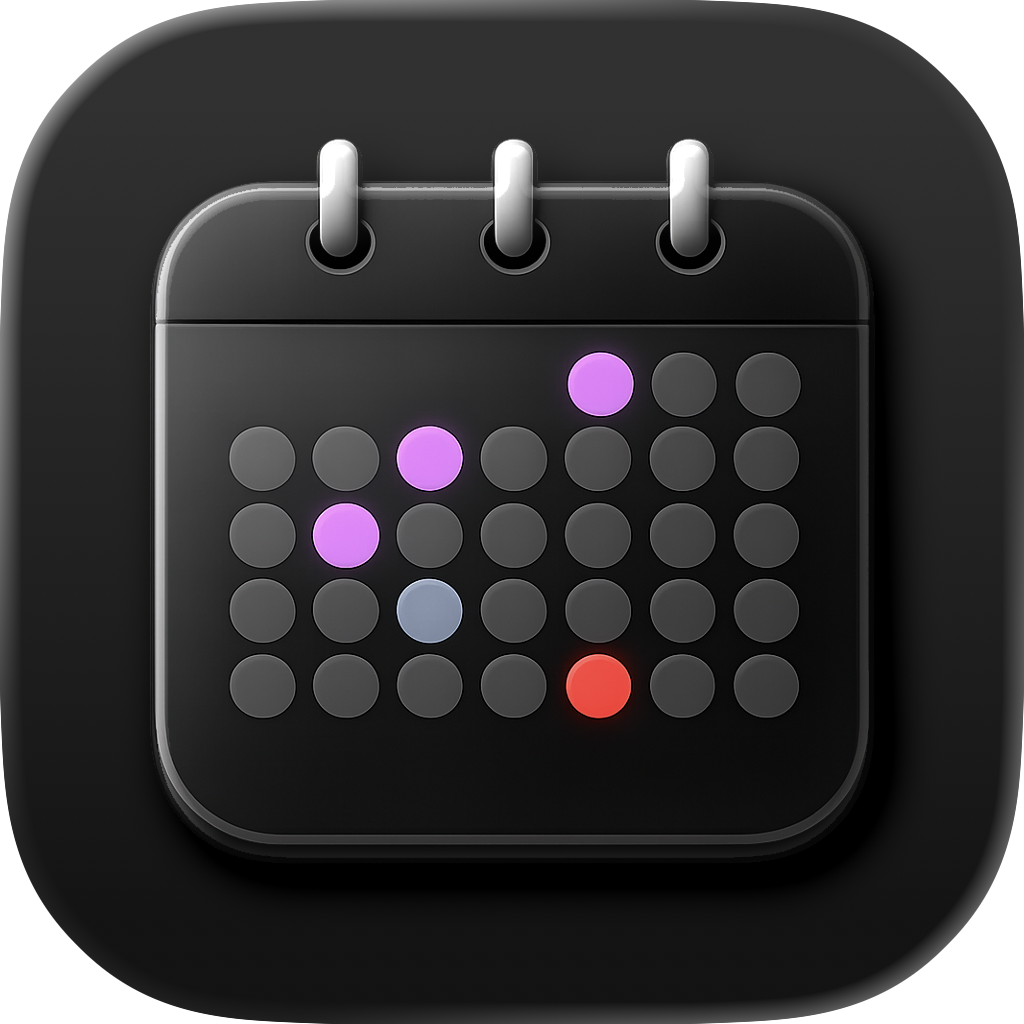
- Definition: Calendarly is an iOS productivity application that transforms your iPhone’s Lock Screen into a live, auto-updating calendar display. It operates as a privacy-centric, on-device utility leveraging Apple’s native frameworks.
- Core Value Proposition: Calendarly eliminates friction in schedule management by delivering real-time calendar visibility without unlocking your phone, opening apps, or configuring widgets. Its core innovation lies in seamless Lock Screen integration and zero-cloud data processing.
Main Features
- Automated Lock Screen Updates:
Calendarly syncs with Apple Calendar via Shortcuts automation, triggering background updates every 15-60 minutes (user-configurable). Events render directly onto the Lock Screen wallpaper using dynamic image generation—no manual refreshes or app launches required. - Customizable Templates & Layouts:
Users select preset designs (minimalist, agenda-style, or time-block views), then fine-tune spacing, margins, and event density. Color palettes, custom fonts (via iOS Font Book), and priority filters (e.g., hiding all-day events) enable pixel-perfect personalization. - 100% On-Device Processing:
Calendar data never leaves the iPhone. The app uses Core Data for local storage and Shortcuts automation for background syncs—bypassing cloud servers. All rendering occurs via iOS frameworks like Core Graphics, ensuring offline functionality.
Problems Solved
- Pain Point: Frequent app-switching disrupts workflow efficiency. Calendarly solves "calendar visibility friction" by enabling instant schedule access from the Lock Screen.
- Target Audience: Time-constrained professionals (executives, freelancers), students managing classes, and privacy-focused users avoiding cloud-based tools.
- Use Cases:
- Glancing at next meetings during transit without unlocking your phone.
- Minimizing distractions in deep-work sessions by avoiding app interfaces.
- Securely syncing confidential appointments (e.g., medical/legal) without cloud exposure.
Unique Advantages
- Differentiation: Unlike widget-based calendars (e.g., Fantastical) requiring Home Screen interaction, Calendarly embeds schedules directly into the Lock Screen. Competitors like "Lock Screen Widgets" lack automated background updates and deep customization.
- Key Innovation: Apple Shortcuts integration enables passive syncing without draining battery life—a technical hurdle most competitors avoid. The on-device architecture also exceeds GDPR/CCPA compliance standards by default.
Frequently Asked Questions (FAQ)
- Does Calendarly work with Google Calendar or Outlook?
Yes—it syncs with any calendar service (Google Calendar, iCloud, Outlook) connected to your iPhone’s native iOS Calendar app via Apple’s EventKit API. - How does Calendarly impact iPhone battery life?
Background updates via Shortcuts consume minimal power (tested at <1% per hour). Users control sync frequency to optimize battery usage. - Is my calendar data stored on Calendarly’s servers?
No data leaves your device. Calendarly uses on-device processing exclusively—no cloud storage, accounts, or external servers. - Can I customize which calendar events appear on the Lock Screen?
Yes. Filter by calendar source (e.g., "Work" vs. "Personal"), event duration, or keywords—all adjustable in-app. - Does Calendarly support iOS widgets or Always-On Display?
Currently, it focuses solely on Lock Screen wallpapers. Widgets and Always-On Display are not supported, prioritizing simplicity and battery efficiency.